
Reviews and accordions that fit the rest of your page.
Purplish gives Product Reviews soft cards or chat bubbles, Product Specifications stripes or cards, and your accordions a soft style. Pick one in the block sidebar.
Free and open source. Updated for Purplish 1.2.
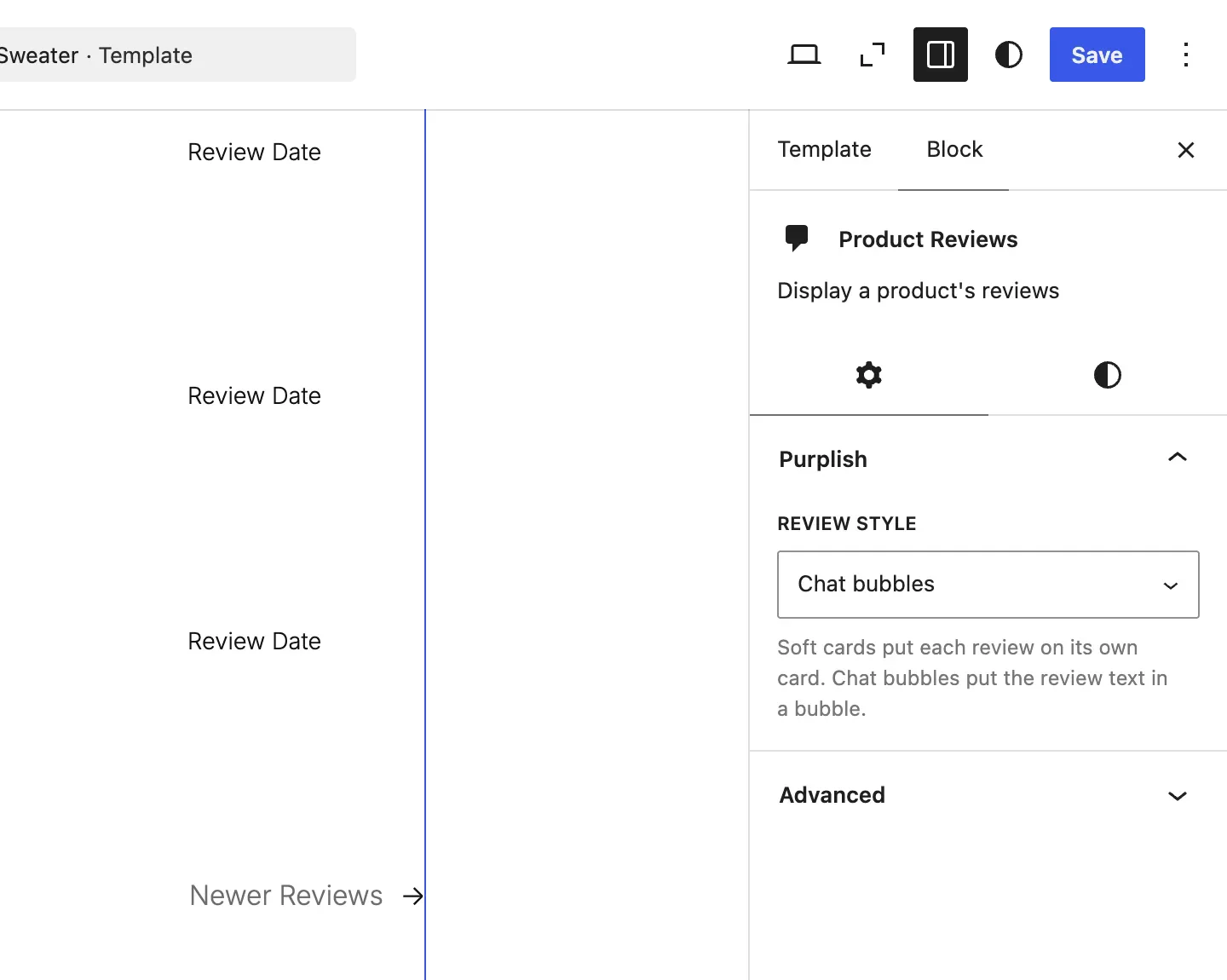
Each block gets its own small Purplish panel.
Select the block in the Site Editor, and its sidebar shows a Purplish panel with only the settings for that block. Most have one.
- Select the block
Open the template in the Site Editor and click the block, like Product Reviews on the Single Product template.
- Open the Purplish panel
Pick a style from the menu, or turn on the switch.
- Save the template
The choice is saved on the block in that template, so two templates can look different.
Everything on this page needs a block theme. The classic theme settings don't include these blocks.
Give reviews and specifications a style of their own.
WooCommerce lists both as plain rows. Pick a style that fits the rest of the page.
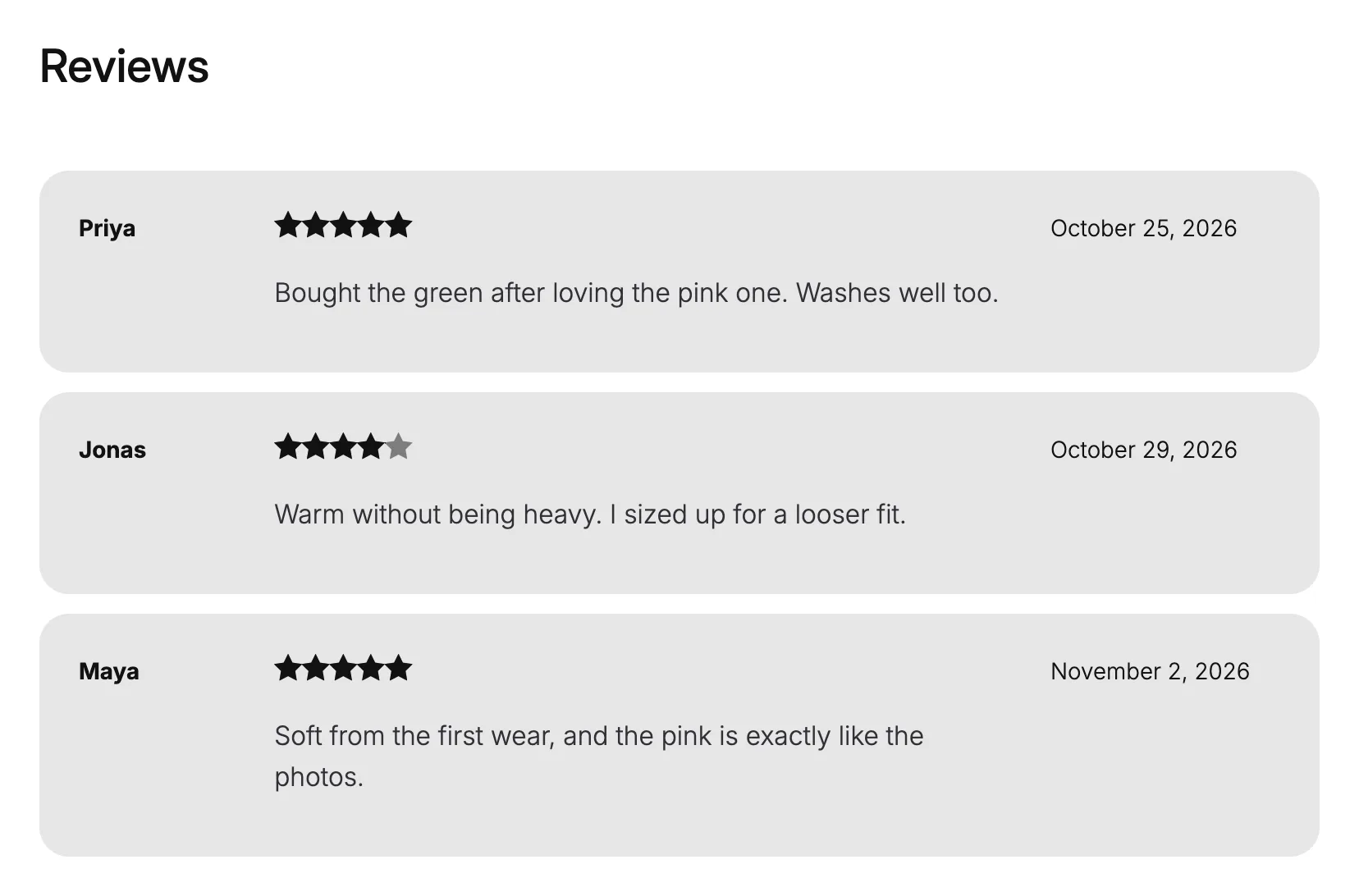
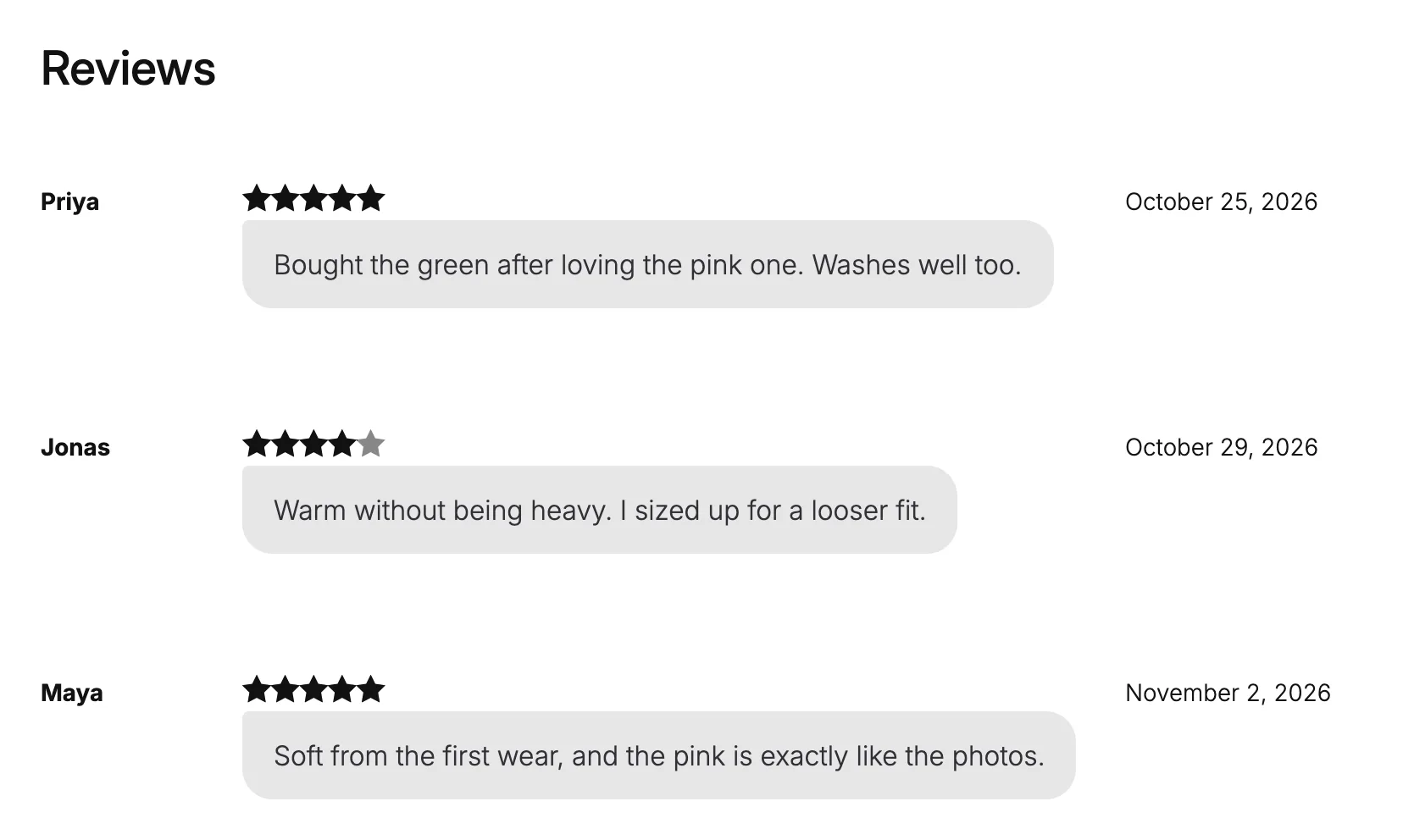
Product Reviews: Review style
- Soft cards
- Each review on its own soft card.
- Chat bubbles
- The review text in a chat bubble.
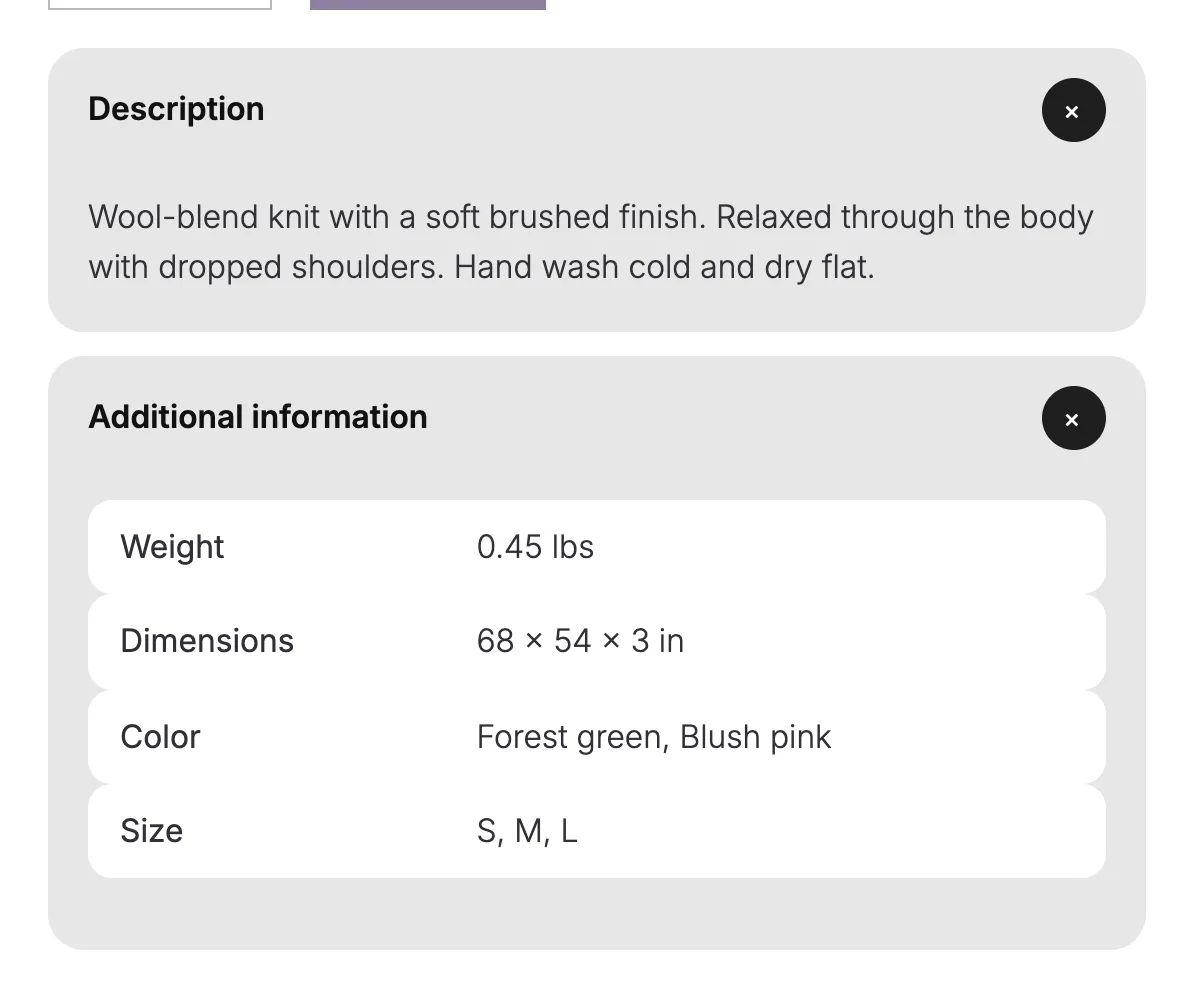
Product Specifications: Table style
- Striped
- Every other row shaded.
- Cards
- Each row on its own soft card. Screen readers still read it as a table.
The reviews in these shots are samples on a demo product.
Accordions and questions as soft cards.
Turn on Soft style for the description, size notes or a short FAQ on the product page. Open the two questions to try it.
- Accordion
- Each item becomes a soft card, and the plus turns into an x that fills with the page color when the item is open.
- Accordion Group
- The same soft cards on WooCommerce's own accordion, with its icon in a round button that fills when open.
- Details
- The block becomes a soft card, and a round plus turns into an x when open.
On a product page, the cards take the color the shopper picks.
Open a question
How does it fit?
Relaxed through the body with dropped shoulders. Take your usual size, or size up for a looser fit.
How do I wash it?
Hand wash cold and dry flat.
Two Details blocks with Soft style, running Purplish's own stylesheet. The color here is Purplish purple.
Good to know before you pick.
Where these styles work, and what they change.
- Block themes only
Every style here lives on a block in the Site Editor, so it needs a block theme.
- Still a table
In the Cards style, screen readers still read Product Specifications as a table.
- Follows the shopper's color
On a product page, the soft cards take the color the shopper picks.
- Nothing gets replaced
Purplish styles the blocks you already have. Deactivate it, and they look exactly as they did before.
More of Purplish
- Sale badge and sold-out optionsPill, circle or price tag badges, and sold-out options crossed out or blurred.
- Product page colorsThe button, the selected option and the sale badge follow the color the shopper picks.
- Product galleryHover, full-screen and slide styles for the Product Gallery, and round thumbnails.
- Button effectsGlow, glass, a spectrum ring and googly eyes for any Button block and the add to cart button.
- Scroll effectsHeadings, sections, columns and covers that come in once as the page scrolls.
Review and accordion questions.
What store owners ask about these blocks. The docs cover every option.
Where do I set the review and table styles?
Open the Single Product template in the Site Editor. Select the Product Reviews block and pick a Review style, Soft cards or Chat bubbles. Select the Product Specifications block and pick a Table style, Striped or Cards. Screen readers still read the specifications as a table.
Can I use Soft style outside the product page?
Yes. Accordion and Details are WordPress blocks, so Soft style works on any page or post, like an FAQ page.
Does Purplish add reviews?
No. It styles the reviews your shoppers leave. The reviews in these shots are samples on a demo product.
Give reviews and accordions a softer look.
Pick a style for Product Reviews, Product Specifications and your accordions, in the blocks you already have.
Block themes. Free and open source.