
Store sections that come in as your shoppers scroll.
Purplish adds scroll effects to the Heading, Group, Columns and Cover blocks. Pick one in the block sidebar, and the block plays it as it comes into view.
Free and open source. Updated for Purplish 1.3.
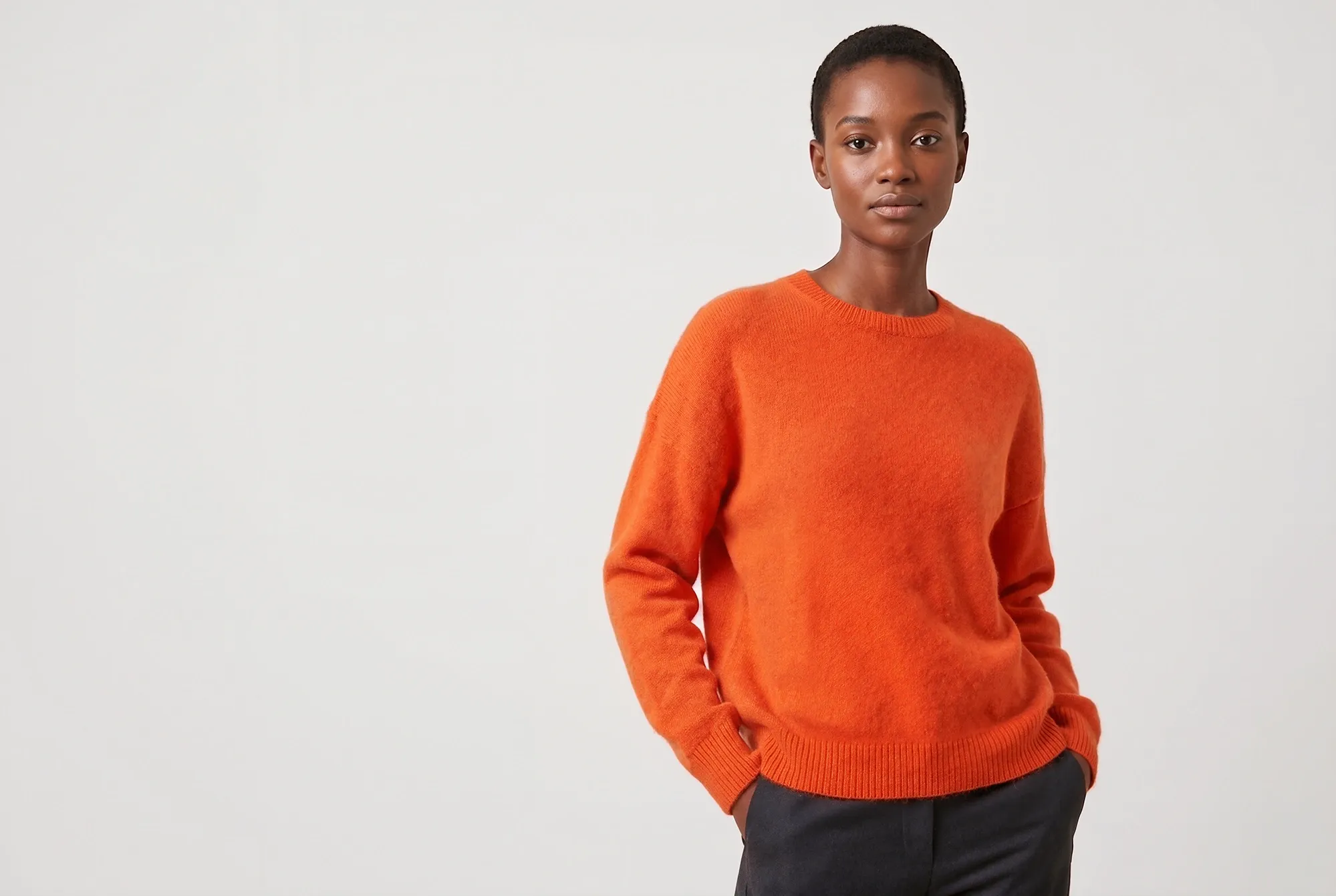
New in this week
Soft merino knits for colder days.
Every effect sits in the block's own sidebar.
Select a Heading, Group, Columns or Cover block you already have, and the Purplish panel is right there. Nothing to rebuild.
- Select the block
Click a Heading, Group, Columns or Cover block in the Site Editor.
- Open the Purplish panel
Heading has Reveal on scroll. Group and Columns have Entrance on scroll, and Cover has Scroll effect.
- Pick one and save
Each block keeps its own effect, so one heading can rise while the next comes into focus.
Scroll effects need a block theme. Classic themes don't get them.
Headings that rise, come into focus or come up from the floor.
Pick a Reveal on scroll style on any Heading block. Rise and Focus play once, the first time the heading scrolls into view. Rise from the floor follows the scroll.
- Rise
- The heading rises into place.
- Focus
- The heading starts blurred and comes into focus.
- Rise from the floor
- The heading's bottom edge is the floor. The heading comes up out of it as the page scrolls, sharper as it rises. Made for big footer wordmarks.
Only the heading moves. The text and photos around it stay put.
Plays once as it scrolls into view
Rise
New in this week
Soft merino knits for colder days, in two colors.

Focus
Made for slow weekends
A relaxed wool-blend knit with a soft brushed finish.
Rise from the floor
Violet Loom
Real Heading blocks with Purplish turned on. Scroll up and down to move the last one.
Sections and columns that fade up or zoom in.
Group and Columns blocks share one setting, Entrance on scroll. Wrap a banner or a row of products in a Group, and it comes in as one piece.
- Fade up
- The section fades in as it moves up into place.
- Zoom in
- The section grows in from a little smaller.
On a Columns block, the columns come in one after another.
Plays once as it scrolls into view
Group: Fade up
The knit edit
Merino and wool-blend sweaters, cut relaxed through the body.
Columns: Zoom in
Everyday Crew Sweater
$78.00
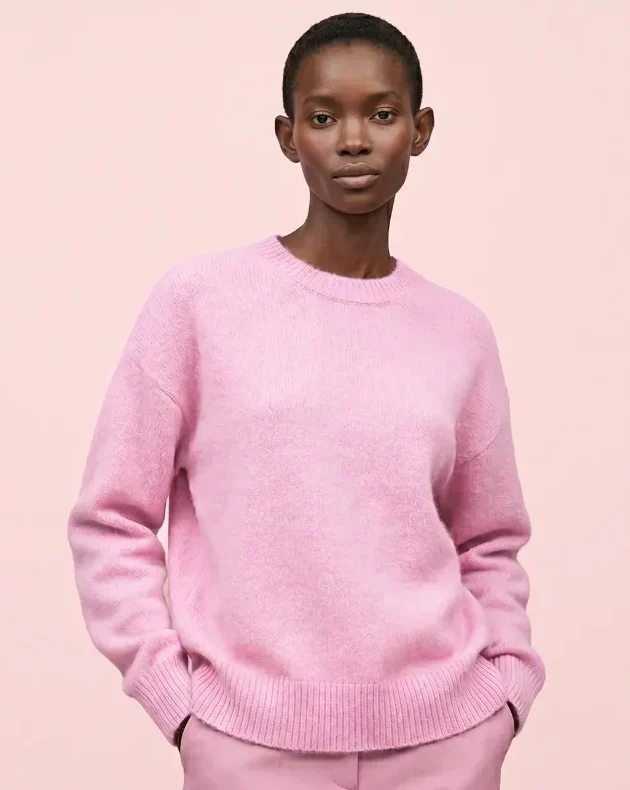
Weekend Knit Sweater
$54.00
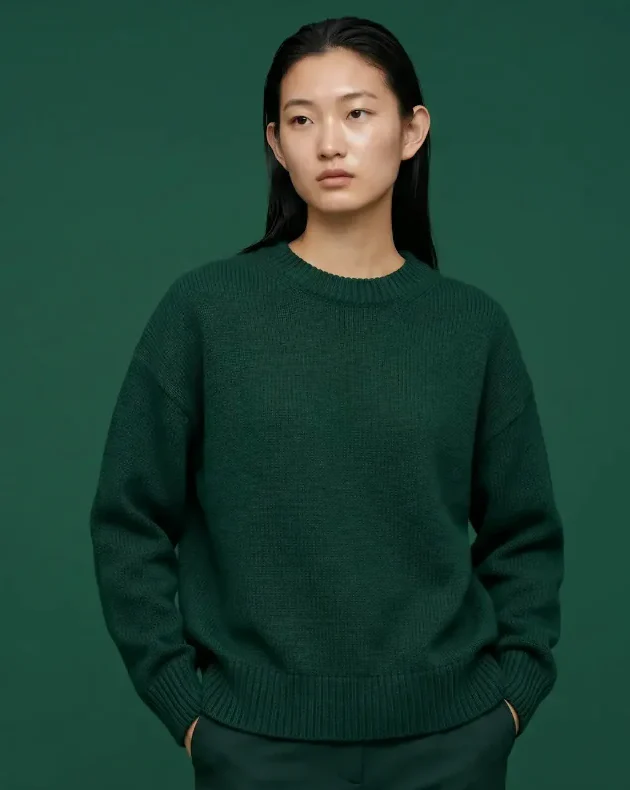
Weekend Knit Sweater
$68.00
Real Group and Columns blocks with Purplish turned on.
Covers that move with the scroll.
Pick a Scroll effect on a Cover block. These follow the page as it scrolls, so they move both ways.
- Slow zoom
- The background slowly zooms in as the page scrolls.
- Parallax
- The background drifts with the scroll.
- Pill reveal
- The cover opens from a small rounded pill to its full size as it comes into view.
Slow zoom and parallax work on a background image or video. On WooCommerce 11.3 and later, Featured Category and Featured Product get the same three. Covers also have four hover looks.
Scroll up and down to see them move
Slow zoom
Cobalt is back
The Everyday Crew in deep blue.
Parallax

Forest green
A wool-blend knit for slow weekends.
Pill reveal

Blush pink
The Weekend Knit, new for the season.
Real Cover blocks with Purplish turned on.
A header that condenses as the page scrolls.
New in Purplish 1.3. Turn on Condense on scroll on the Group block that holds your header. It stays at the top of the window and narrows into a floating pill as shoppers scroll down.
- Stays in view. The header sticks to the top the whole way down the page.
- Nothing below moves. The page doesn't jump when the bar changes shape.
- Frosted when it floats. A header with no background of its own gets a frosted glass behind it.
- The phone menu still opens. It covers the page, condensed or not.
Good to know before you pick.
How the effects behave for shoppers and on your theme.
- Plays once, nothing loops
Headings, groups and columns play once each time the page loads, then stay where they are. Cover effects only move while the page scrolls.
- Already on screen
A block that's in view when the page loads shows as it is, with no entrance. Effects play on blocks further down.
- Reduced motion
Visitors who ask their device for reduced motion see the headings, sections and covers as they are.
- Block themes
The effects live on the blocks in the Site Editor, so they need a block theme.
- Loads only where used
The effect styles and script load only on pages with a block that uses one.
- Browsers without scroll timelines
Where a browser can't tie motion to the scroll yet, Rise from the floor shows the heading in place and Condense on scroll keeps the full header bar.
More of Purplish
- Product page colorsThe button, the selected option and the sale badge follow the color the shopper picks.
- Product galleryHover, full-screen and slide styles for the Product Gallery, and round thumbnails.
- Product cardsTwenty-three card effects and add to cart on the photo for the shop page.
- Button effectsGlow, glass, a spectrum ring and googly eyes for any Button block and the add to cart button.
- Sale badge and sold-out optionsPill, circle or price tag badges, and sold-out options crossed out or blurred.
Scroll effect questions.
What store owners ask about scroll effects. The docs cover every option.
How do I add a scroll animation to a heading or section in WordPress?
On a block theme, install Purplish and select the block in the Site Editor. Open the Purplish panel in the block sidebar and pick an effect: Reveal on scroll for a Heading, Entrance on scroll for a Group or Columns block, or Scroll effect for a Cover. Save, and it plays on your live store.
Will the animation play again when shoppers scroll back up?
Rise and Focus on headings, and the group and column entrances, play once, the first time they come into view, and then stay in place until the page loads again. Rise from the floor and the cover effects are tied to the scroll, so they run forward and backward as shoppers scroll down and up.
Why didn't the heading at the top of my page animate?
Blocks already in view when the page loads, or above it, stay as they are. The effect plays for blocks further down, as shoppers scroll to them.
How do I make my header shrink when the page scrolls?
Open your header template part in the Site Editor and select the Group block that holds the logo and menu. In the Purplish panel, turn on Condense on scroll. The header stays at the top and narrows into a floating pill as shoppers scroll. Visitors who ask for reduced motion keep the full bar.
Give your next section an entrance.
Pick an effect on a Heading, Group, Columns or Cover block, and shoppers see it as they scroll down the page.
Block themes. Free and open source.