
Turn a product shoot into a short film shoppers scroll through.
Scroll Lookbook is a Purplish block for WooCommerce. Your videos or photos play as the page scrolls, and at each stop that product's card slides in with add to cart.
Free and open source. Updated for Purplish 1.2.
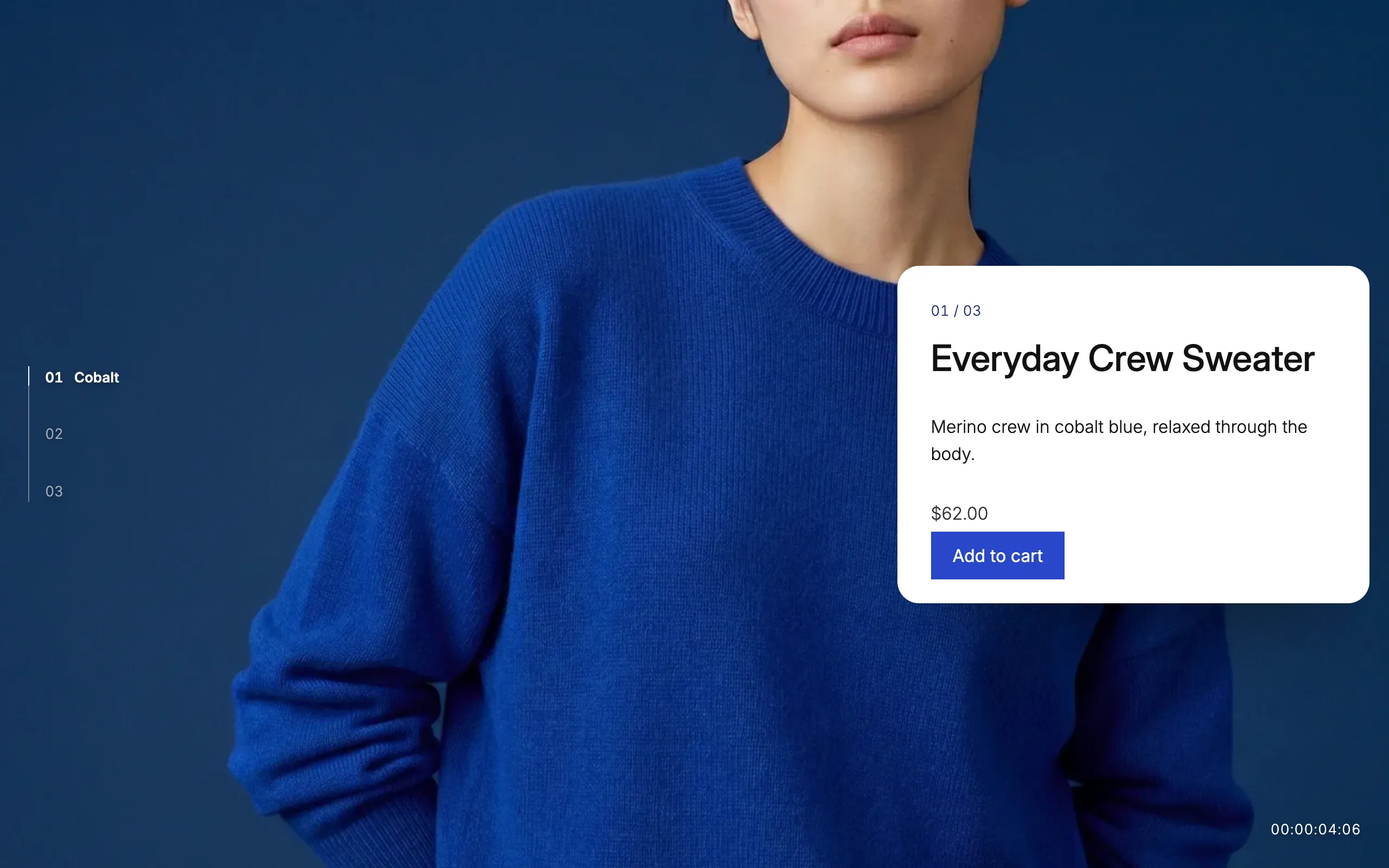
Add it like any other block.
Scroll Lookbook sits in the Purplish group of the block inserter. Inside it are Cover blocks for the shots, one Product Collection for the cards and a Group for the closing line.
- Add the block or the pattern
Insert Scroll Lookbook on any page, or the "Scroll lookbook storefront" pattern for an opening shot, three shots and a closing line.
- Add your shots
Put a video or a photo in each Cover. The first Cover opens the film, and each one after it is a stop.
- Pick the products
Hand-pick the products in the Product Collection, one for each stop, in the same order as the shots.

The film holds still while the shots play.
When the lookbook reaches the top of the screen, it stays put, and scrolling moves the camera from shot to shot. It holds at each one while the card comes in, then the page carries on after the closing line.
Scroll length
How much scrolling each stop takes.
Short takes one and a half screens of scrolling for each stop, Medium two and a half, and Long three and a half. Medium is the default.
The camera
- Cards on the open side. Each card comes in on the side away from the model or the product, so the subject stays in view beside it.
- Each button in its product's color. The add to cart button takes the product's Purplish color, so the cobalt sweater gets a cobalt button.
- Scroll back to rewind. Scrolling up runs the film backward, and the closing line plays over the opening shot.
Show a chapter list, a timecode, both or neither.
Two small touches you can turn on or off in the block's panel. Both sit on top of the film and never get in the way of the card.
Try the two options
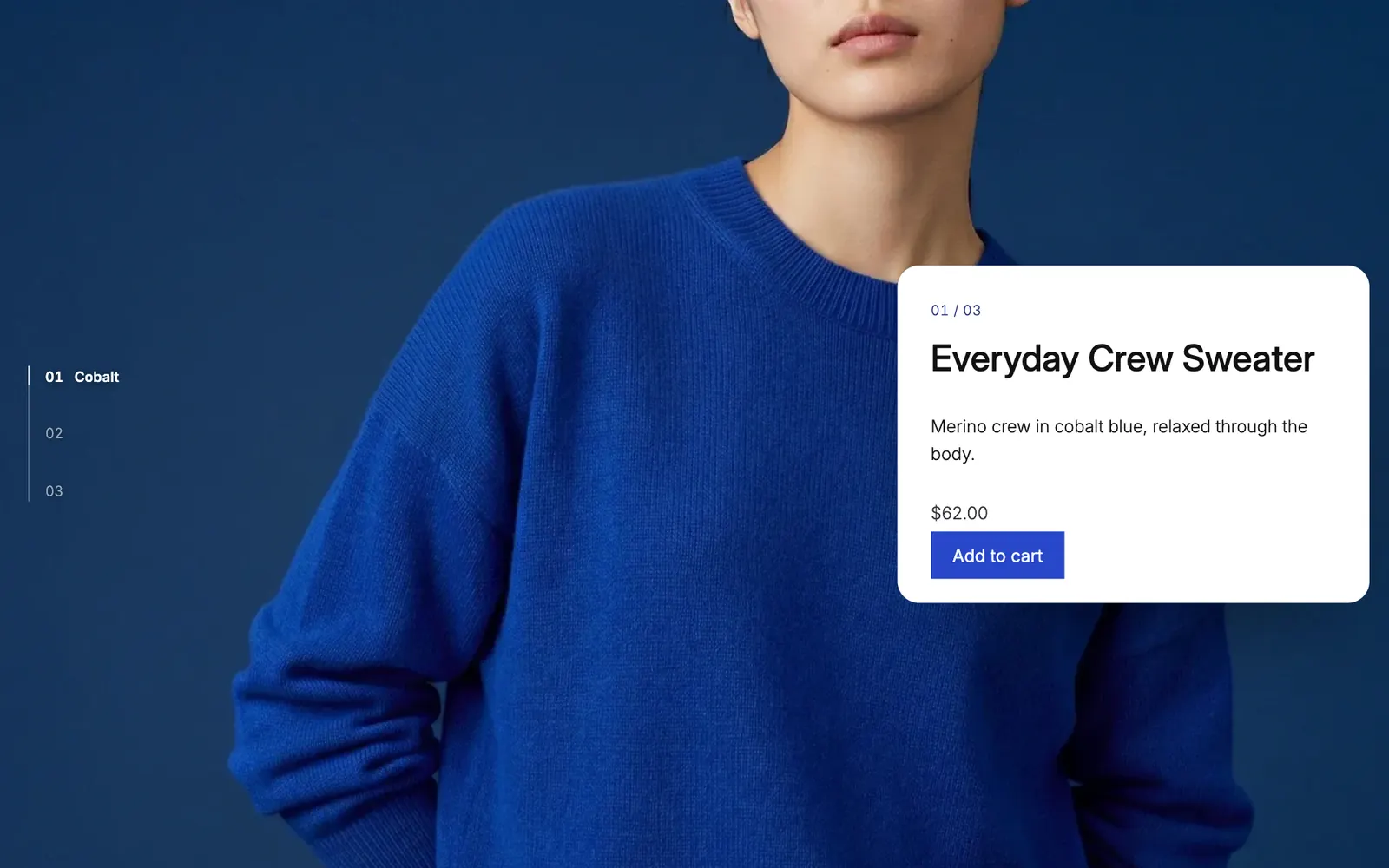
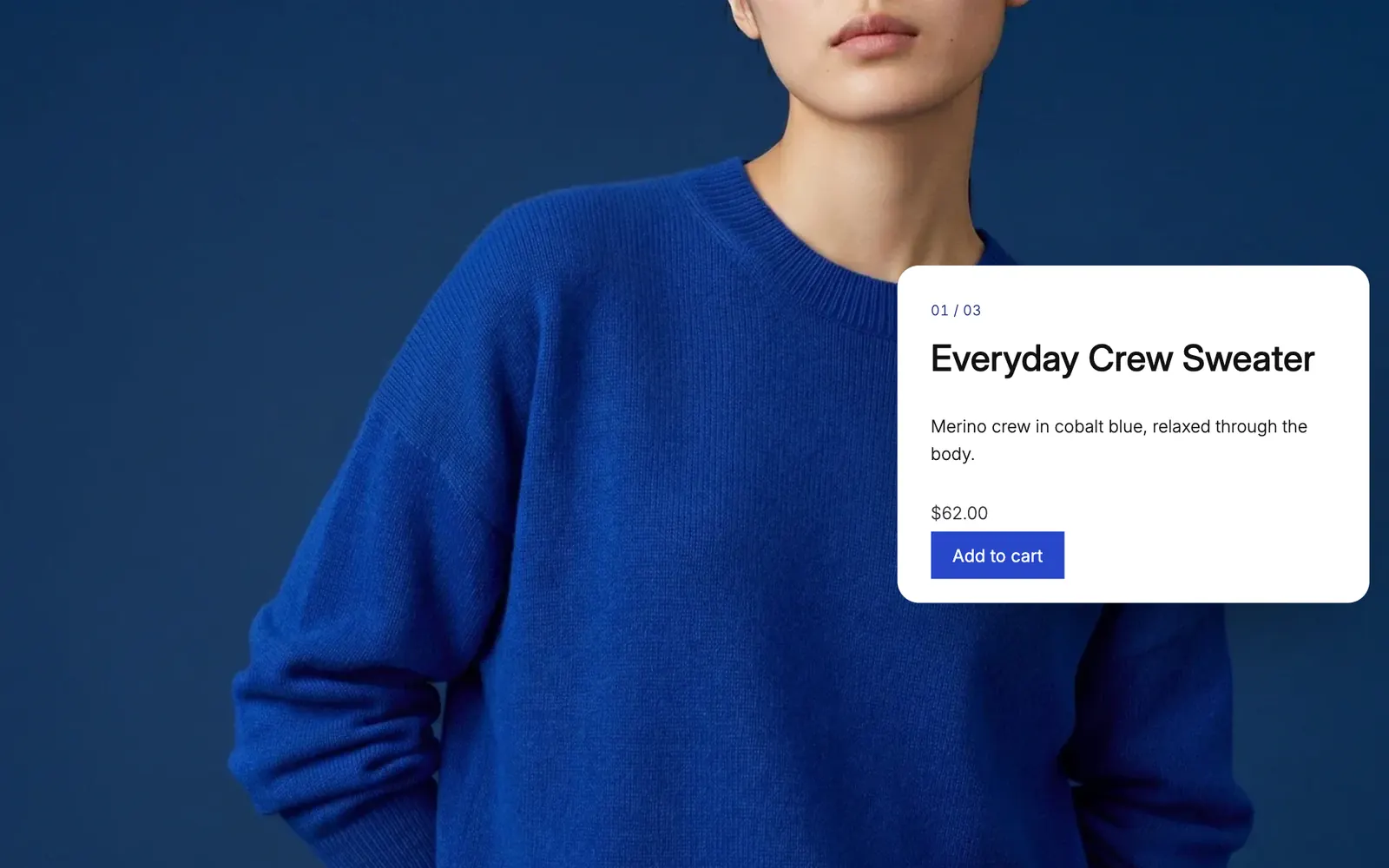

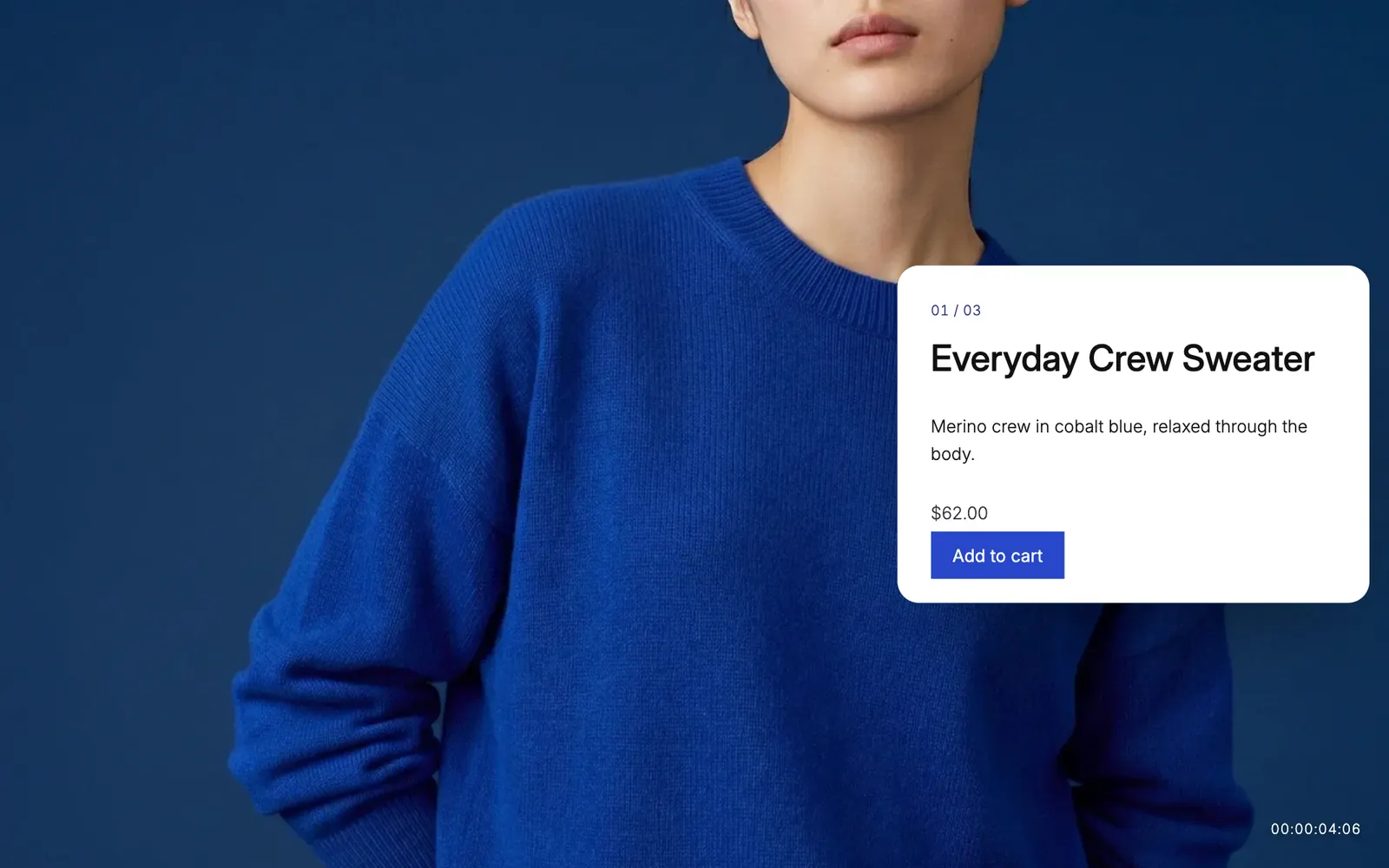
Chapter list on: each stop's name beside the film, from a short line in each Cover or the product's name. Captured from a store running Purplish.
Good to know before you add it.
How the lookbook behaves for every shopper, on every device.
- Phones
A thumb scroll plays the film the same way. On small screens the card rises from the bottom instead of sliding in from the side.
- Reduced motion
Visitors who ask their device for reduced motion get each shot with its card beside it as a plain page, with nothing moving.
- Keyboard
Tab to a card that isn't on screen, and the page scrolls to its stop so the card is in view.
- Themes that clip the page
Some themes, like Storefront, wrap the page in a box that hides overflow. There the film can't hold still, so it shows the plain page instead.
- Video files
The opening video plays once and stops within 5 seconds, and nothing loops. For video that follows the scroll smoothly, the block's panel gives you an ffmpeg line to encode it.
- Speed
The script is 4.9 KB gzipped, with nothing else to load, and only pages with a lookbook get it. The styles are 2.2 KB.
More of Purplish
- Hanging RailProducts hang from clips on a rope and slide along it as the page scrolls.
- Product page colorsThe button, the selected option and the sale badge follow the color the shopper picks.
- Product galleryHover, full-screen and slide styles for the Product Gallery block.
- Button effectsGlow, glass, a spectrum ring and googly eyes for any Button block and the add to cart button.
- Sale badge and sold-out optionsPill, circle or price tag badges, and sold-out options crossed out or blurred.
- Scroll effectsHeadings, sections, columns and covers that come in once as the page scrolls.
Scroll Lookbook questions.
What store owners ask about the lookbook. The docs cover every option.
How do I add a video lookbook that plays on scroll in WooCommerce?
Add the Scroll Lookbook block from the Purplish group in the block inserter, or insert the "Scroll lookbook storefront" pattern. Put a video or photo in each Cover, hand-pick a product for each stop in the Product Collection, then set the chapter list, timecode and scroll length in the block's panel.
Do I need video, or can I use photos?
Either works, and you can mix them. A photo shot gets a slow camera move as the page scrolls, and a video shot plays as the page scrolls.
Which product goes with which shot?
The first Cover opens the film, so card 1 comes in at the second Cover, card 2 at the third, and so on. Put the products in the Product Collection in the same order as the shots.
Why does my video jump instead of playing smoothly?
Most video files only store a full picture every few seconds, so the browser has to guess in between when you scroll. Encode the clip with a keyframe every few frames, using the ffmpeg line in the block's Video files panel.
Give your next shoot somewhere to play.
Add the Scroll Lookbook block to any page, drop in your shots and pick the products. The pace is up to you.
Free and open source. Updated for Purplish 1.2.