
Where to find it
Open Appearance, Editor, Templates, Order Confirmation. Select the Order Status block, then turn on Thank-you moment in the Purplish panel. The Order Status block holds the Order received heading.
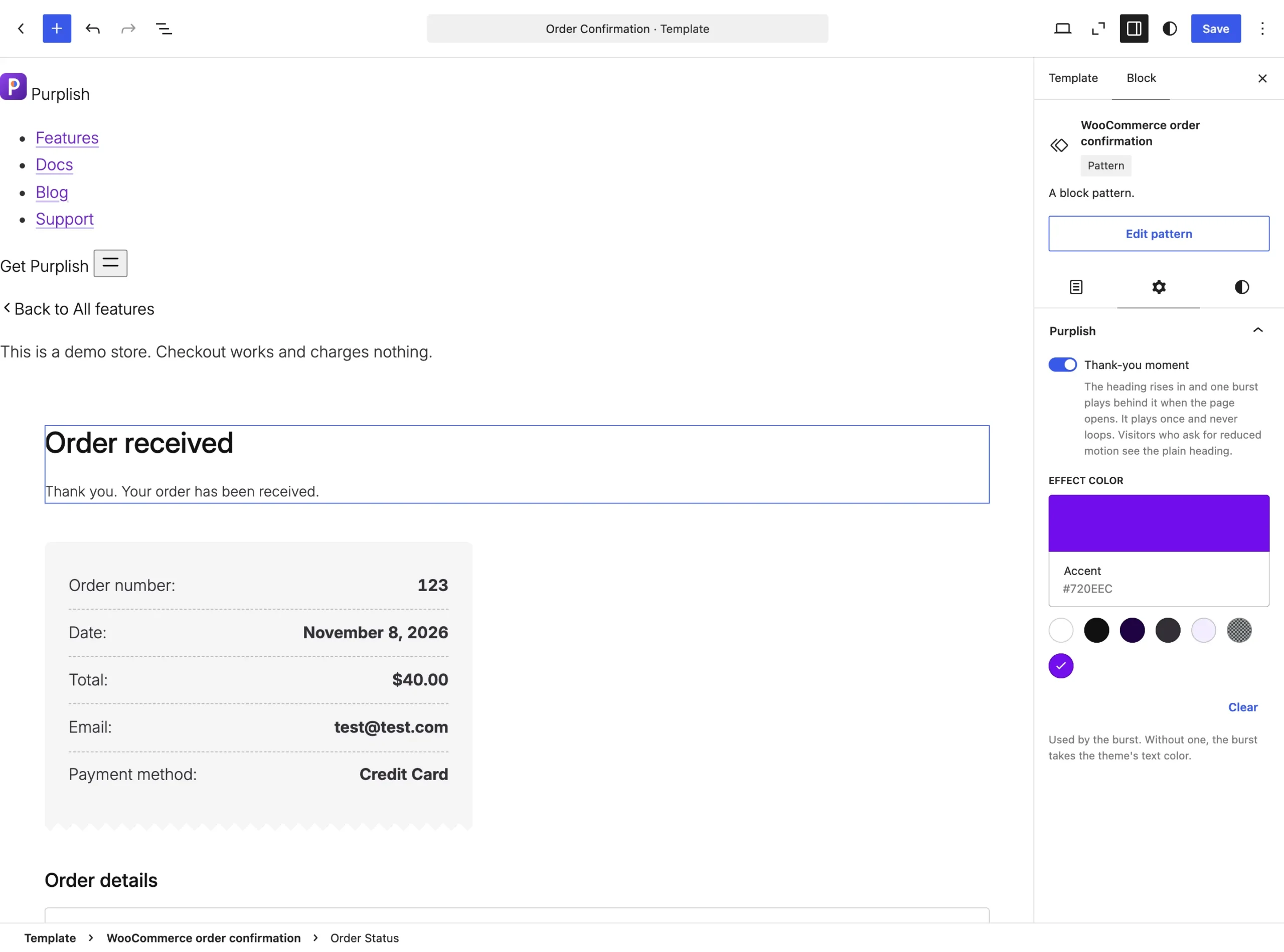
The Purplish panel on the Order Status block.
What it does
A switch, off by default.
| Choice | What it does |
|---|---|
| Off Default | Leaves the block as it is. |
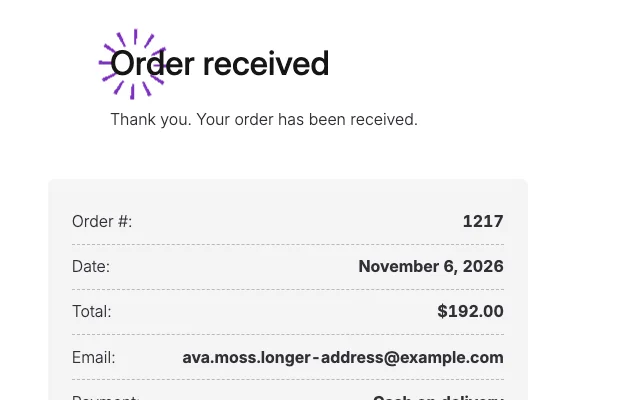
| On | The heading rises in and one burst of rays in the effect color plays behind it when the page opens. |
See it on the store
The burst behind Order received, a moment after the page opens.
Good to know
Before you turn it on
- It plays on the store, not in the editor.
- It plays once and never loops.
- The burst uses the Effect color at the bottom of the same panel. Without one, it takes the theme's text color.
- Visitors who ask their device for reduced motion see the plain heading.