
Where to find it
Select a Cover block in any page, post or template, then pick a Scroll effect in the Purplish panel.
Featured Category and Featured Product blocks have the same Scroll effect in their Purplish panel, on WooCommerce 11.3 or later.
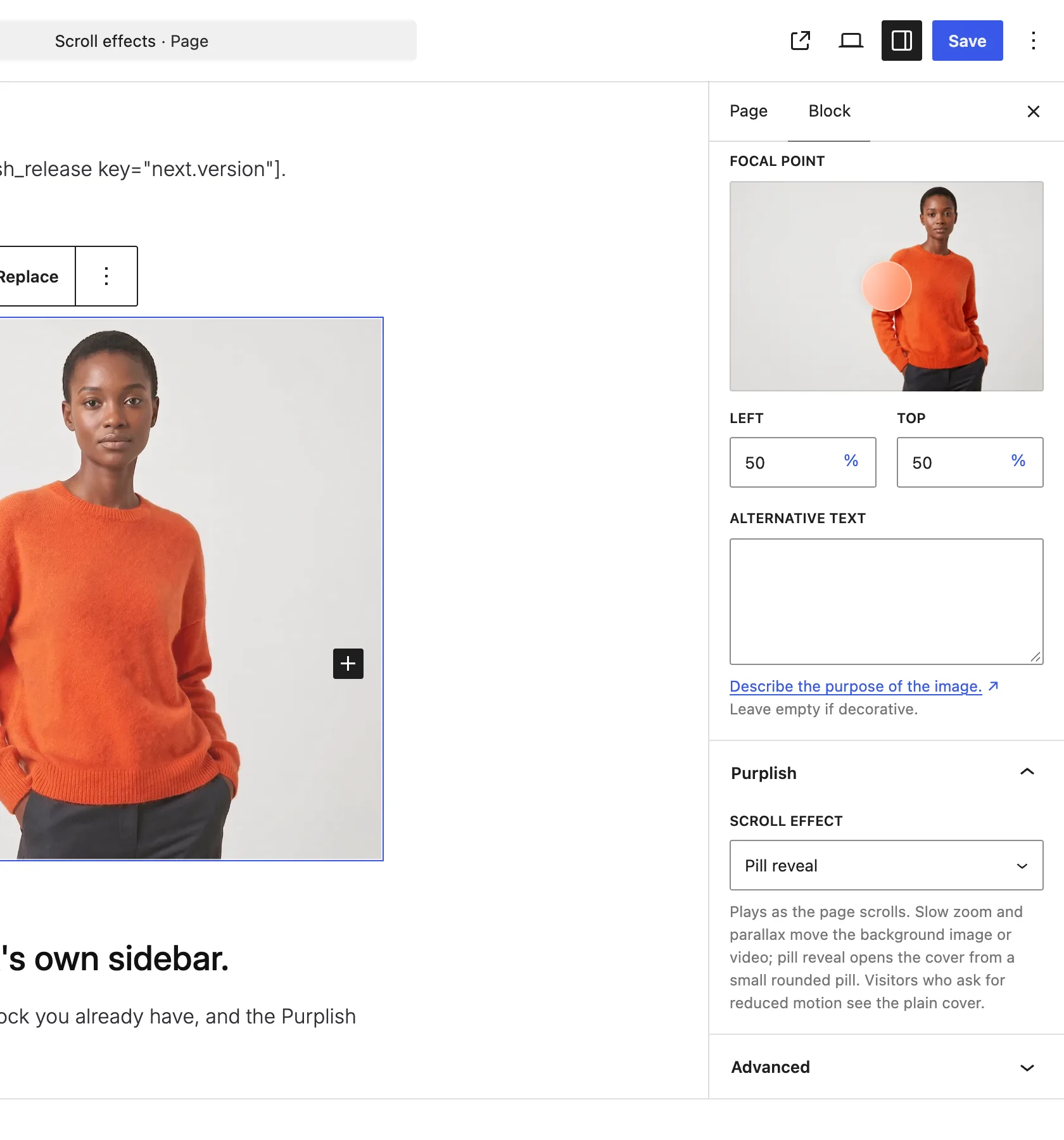
The Purplish panel on the Cover block.
The choices
It starts on None.
| Choice | What it does |
|---|---|
| None Default | The cover stays as it is. |
| Slow zoom | The background image or video slowly zooms as the page scrolls. |
| Parallax | The background image or video drifts with the scroll. |
| Pill reveal | The cover opens from a small rounded pill to its full size as it comes into view. |
Good to know
Before you pick one
- Slow zoom and Parallax move the background image or video, so the cover needs one.
- It plays as the page scrolls and stops when the scrolling stops.
- Visitors who ask their device for reduced motion see the plain cover.
- For a look on hover, see Hover. For the category photo on category pages, see Use the category photo.