
Where to find it
Select a Button block in any page, post or template, then turn on Glow ring in the Purplish panel of the block sidebar.
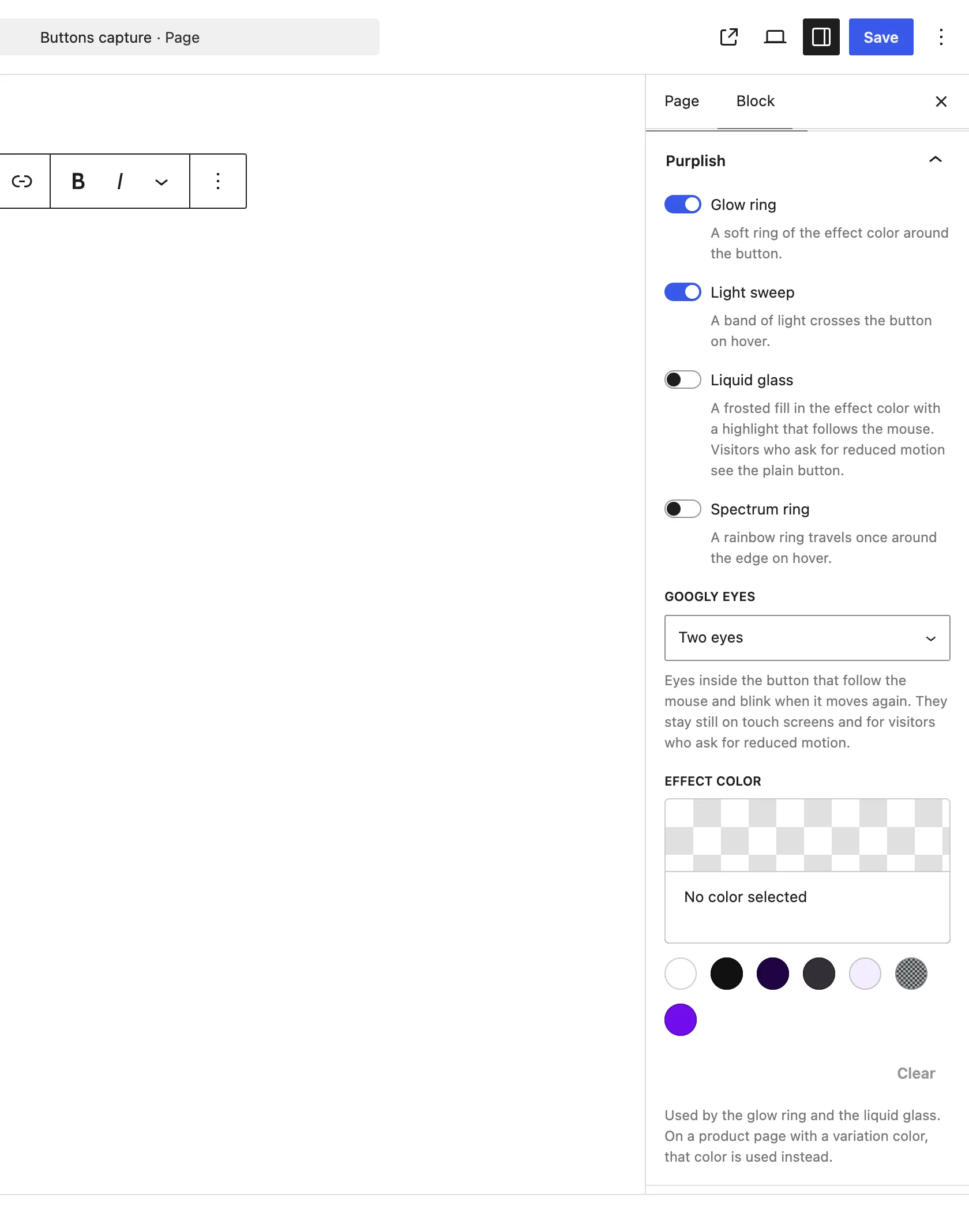
Glow ring is the first look on the Button block.
What it does
A switch, off by default. It mixes with the other looks.
| Choice | What it does |
|---|---|
| Off Default | Leaves the block as it is. |
| On | Draws a soft ring of the effect color around the button. |
Good to know
Before you turn it on
- The ring takes the Effect color. With none set, it uses your theme's contrast color.
- On a product page with a variation color, the ring takes that color instead.
- With Liquid glass on too, the ring joins the glass edge.