
Where to find it
In the block inserter, open the Patterns tab and pick the Purplish category. Each pattern also sits in its own category, like Headers, Footers or Shop.
The header, phone menu and footer also show when you replace a header, footer or navigation overlay template part. Flagship home shows when you start a new page.
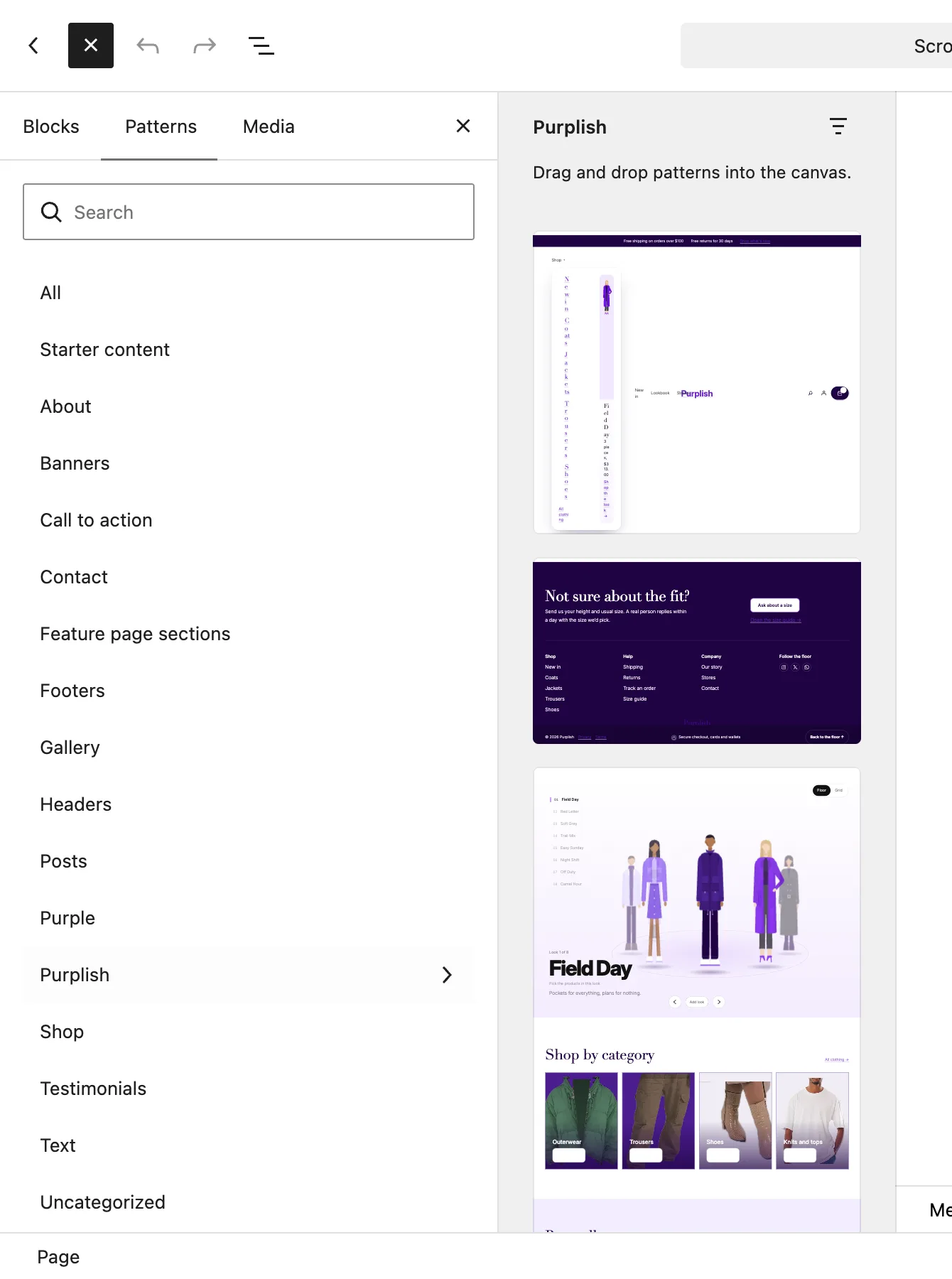
The Purplish category in the block inserter.
The patterns
| Pattern | What it is |
|---|---|
| Flagship header | A note bar, then the header bar with a Wardrobe Shop menu, links, search, account and the Mini-Cart. The bar uses Condense on scroll. |
| Flagship phone menu | Big links that rise in and a look card, for the Navigation block's overlay on phones. |
| Flagship footer | A size help row, three link menus, social icons with the Ring look, and your site name as a big wordmark that rises from the floor. |
| Flagship home | A store front page for new pages: every section below, in order, with customer stories and the trust row. |
| Flagship floor | A Showfloor with eight looks on drawn figures. |
| Shop by category | Your four biggest categories as big tiles, each with its photo and a Shop now button. |
| Best sellers | Four best sellers on a lavender band. Hovering a card shows its second photo. |
| Just in | Your four newest products. |
| Brand band | A full-width cover that opens from a pill as it scrolls in, with a heading and a button. |
| Trust row | Four promises with icons, like free shipping and 30-day returns. |
| Newsletter | A heading and a Join the list button beside three drawn figures. |
What to change after inserting:
| Choice | What it does |
|---|---|
| Links | Menu links, tiles and buttons point at the shop or home page. Point them at your categories and pages. |
| Drawn figures | Looks, tiles and the brand band use drawn figures in place of photos. Swap in your own. |
| Promises | Edit the free shipping, returns and checkout lines to match your store. |
| Phone menu | Select the Navigation block in the header and pick Flagship phone menu as its overlay. |
| Newsletter | The pattern has no form. Point Join the list at your signup page. |
Good to know
- Shop by category reads real categories on WooCommerce 11.3 or later. Before that, it uses four drawn tiles. Give each category an image under Products, Categories.
- Headings use the Purple theme's serif font. Other themes keep their own font.
- Scroll effects, like the condensing header, the rising wordmark and the brand band, play on the published page.