
Where to find it
Add a Hanging Rail block from the Purplish group of the block inserter, on any page, post or template. Select it, then pick a Clip in the Rail panel of the block sidebar.
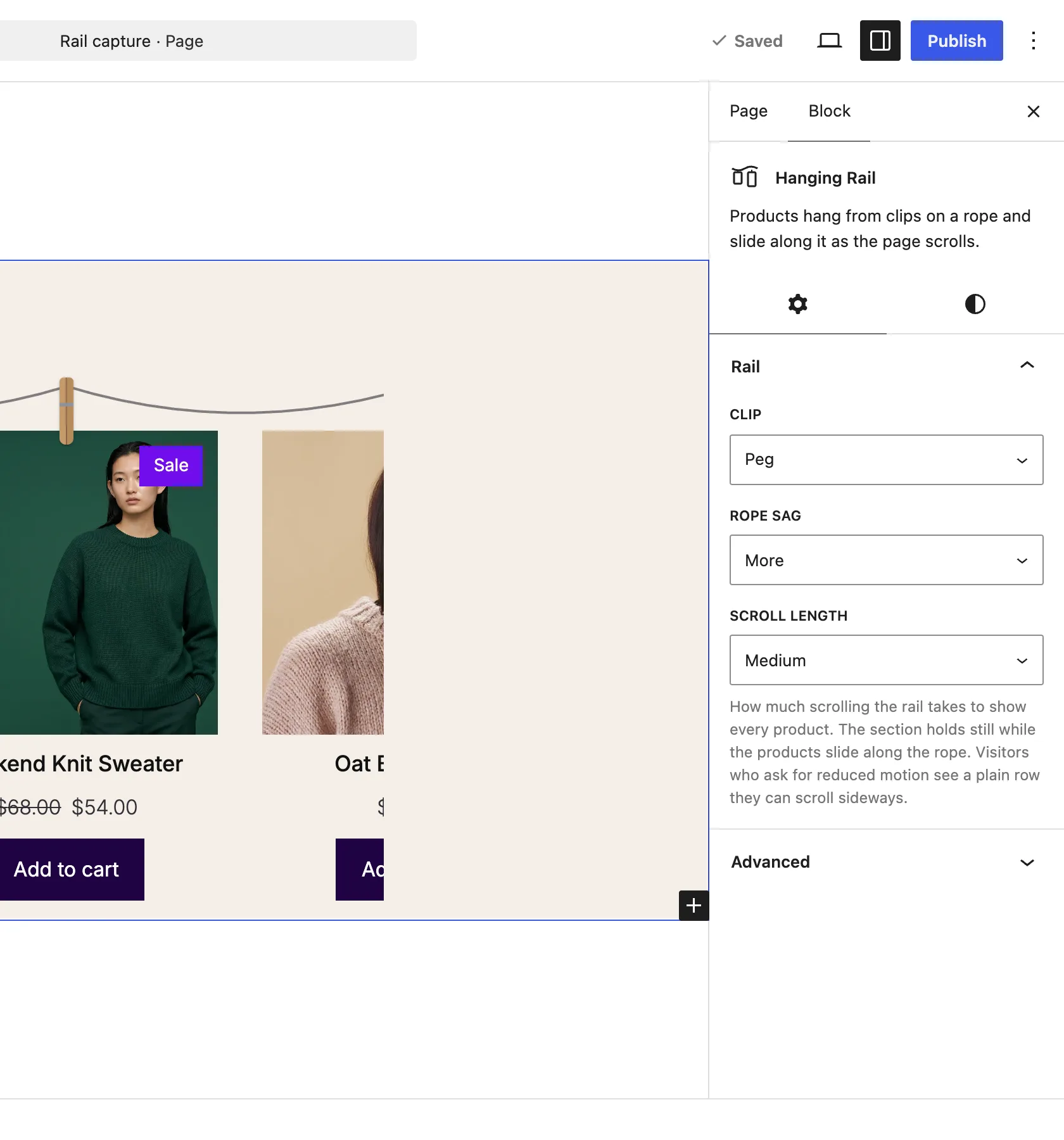
The Rail panel on the Hanging Rail block.
The choices
It starts on Peg.
| Choice | What it does |
|---|---|
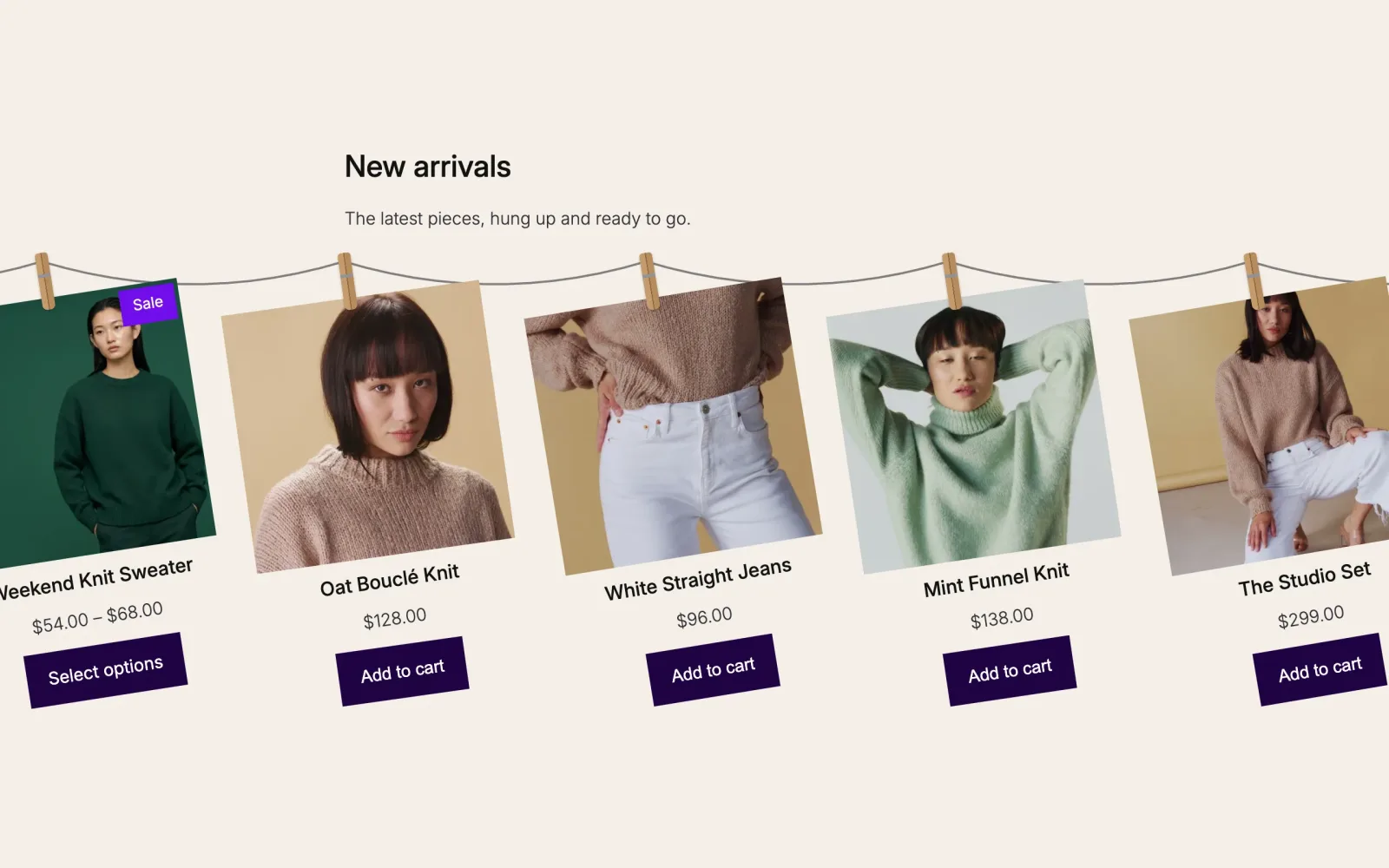
| Peg Default | Two wooden halves with a wire spring. |
| Binder clip | A black clip on the card with wire handles over the rope. |
| Tape | A strip of paper tape from the rope to the card. |
See it on a page
Products on Peg clips, sliding along the rope.
Good to know
Before you pick one
- The clips and rope hang on the first Product Collection inside the block, so you pick the products the way you already do.
- The rope is drawn in a lighter shade of the block's text color.
- In the editor the rope and clips are drawn, but the row only slides on the published page.
- Visitors who ask their device for reduced motion see a row they can scroll sideways, with the rope and clips still drawn.