
Where to find it
Add a Runway block from the Purplish group of the block inserter, on any page, post or template. Select it, then pick Looks from in the Runway panel of the block sidebar.
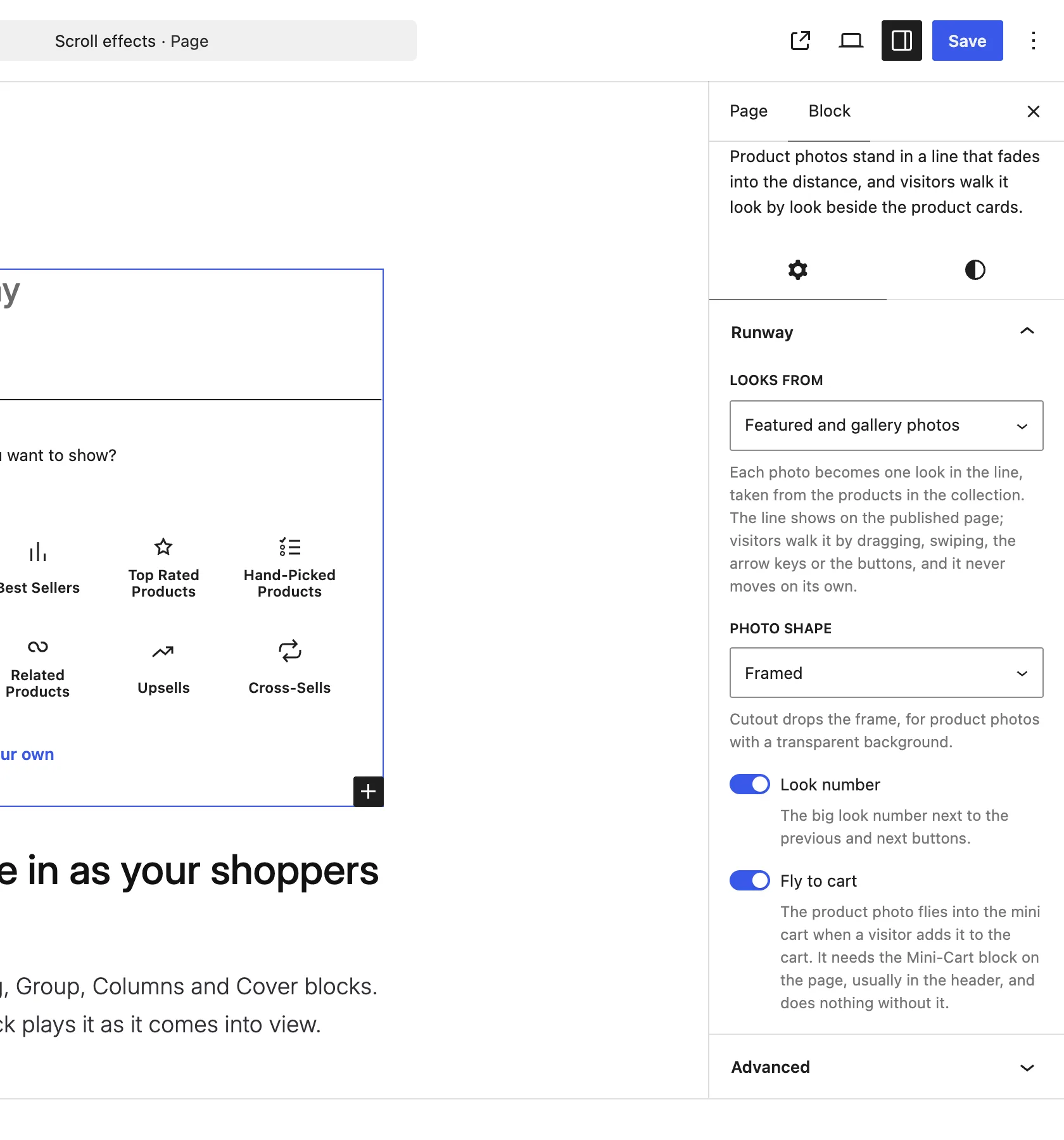
The Runway panel on the Runway block.
The choices
It starts on Featured and gallery photos.
| Choice | What it does |
|---|---|
| Featured and gallery photos Default | Each product's featured photo, then its gallery photos, each as its own look. |
| Featured photo only | One look per product, from its featured photo. |
Good to know
Before you pick one
- The products come from the first Product Collection inside the block, in the same order as its cards.
- Products without a photo give no look. With fewer than two looks, the line doesn't show and the heading, short line and collection show as usual.
- The line shows on the published page only. In the editor you see the heading, the short line and the collection.
- Visitors walk the line by dragging, swiping, the arrow keys or the buttons. It never moves on its own.