
Where to find it
Open Appearance, Editor, Templates, Single Product. Select the Product Reviews block, then pick a Review style in the Purplish panel of the block sidebar. You'll see it in the editor as you pick.
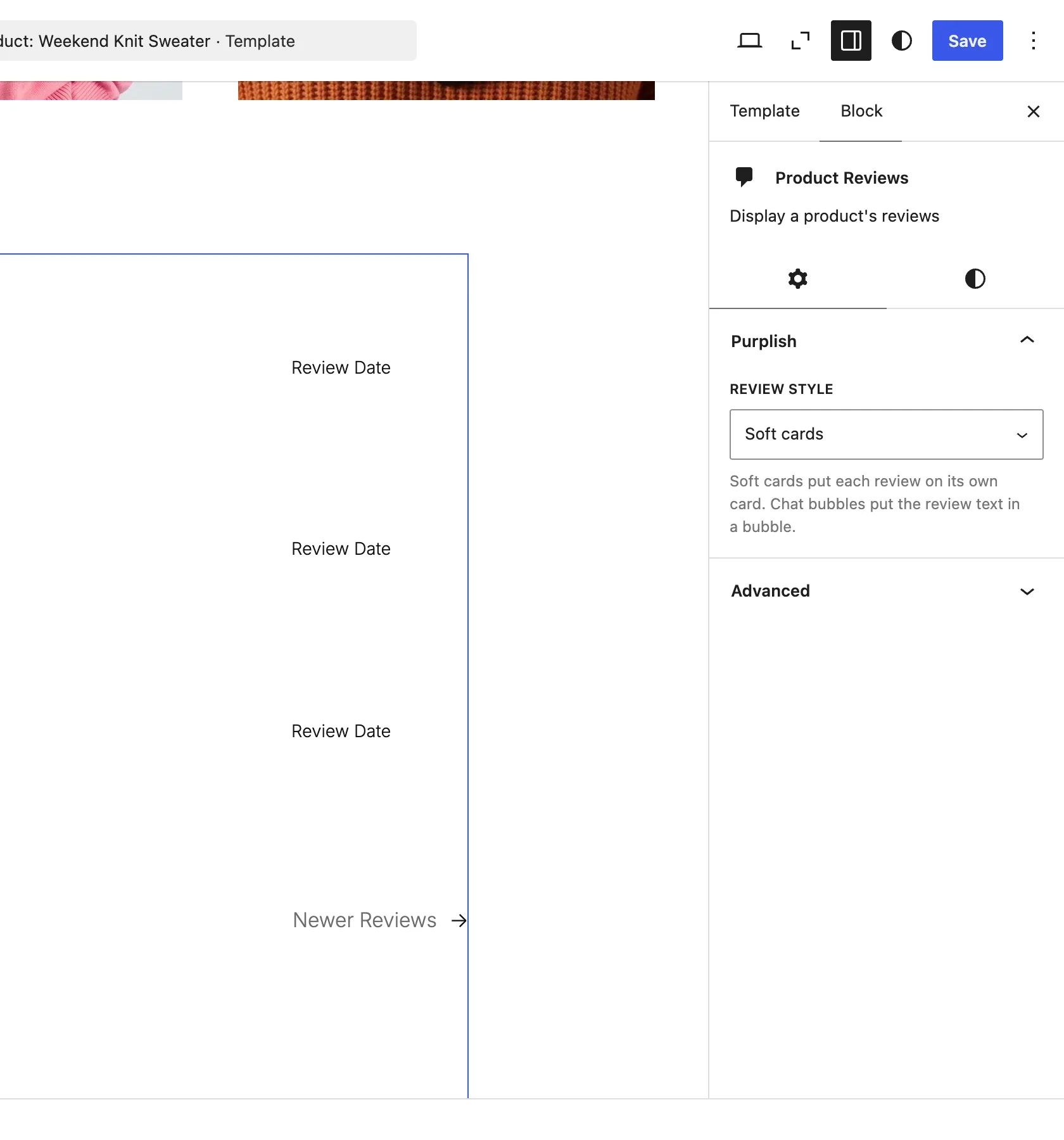
The Purplish panel on the Product Reviews block.
The choices
It starts on WooCommerce default.
| Choice | What it does |
|---|---|
| WooCommerce default Default | Keeps the reviews as WooCommerce lists them. |
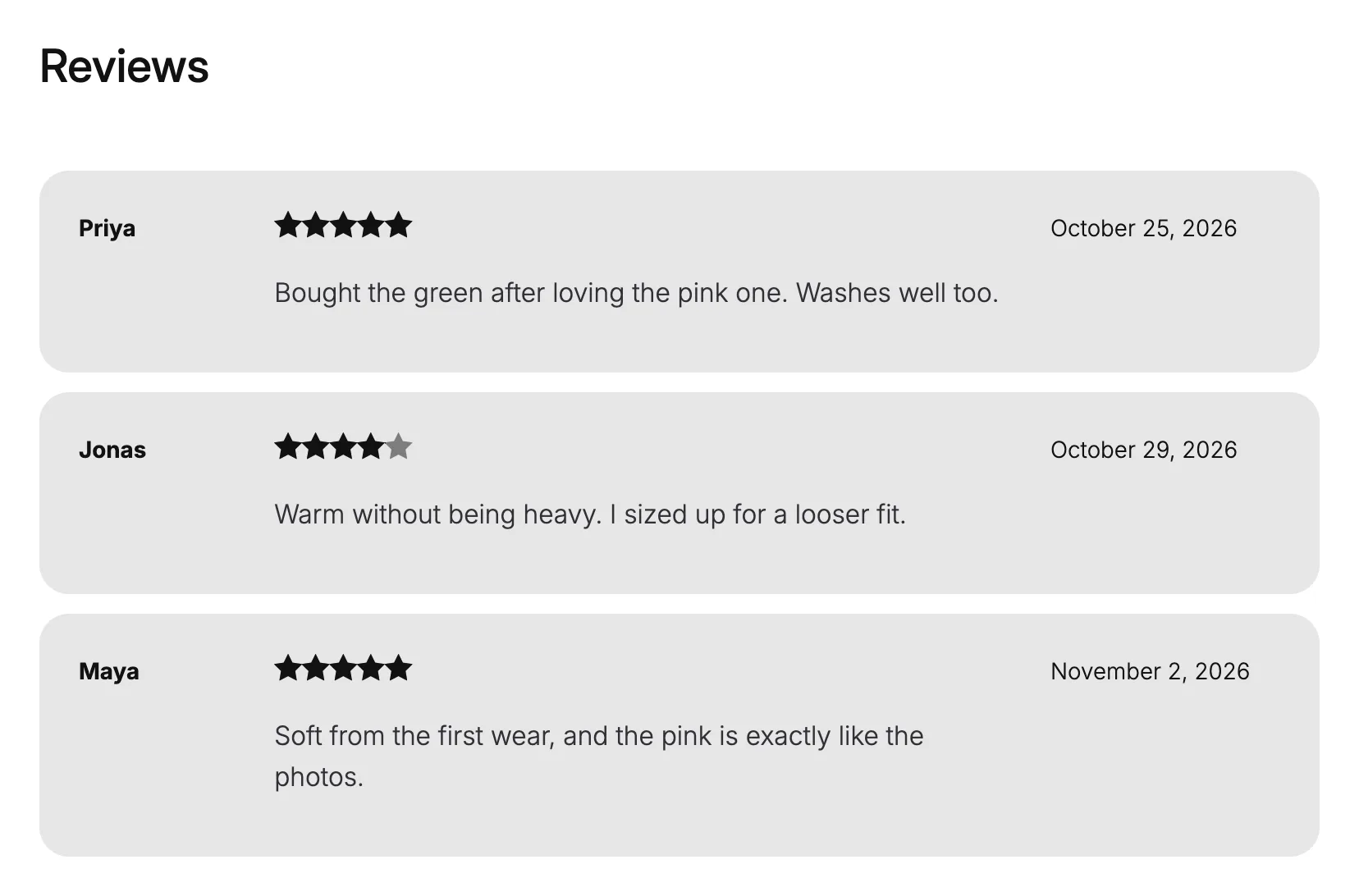
| Soft cards | Puts each review on its own soft card. |
| Chat bubbles | Puts the review text in a bubble. |
See it on a product
Soft cards on a demo store's sample reviews.
Good to know
Before you pick one
- It changes the look only. The reviews, ratings and form stay WooCommerce's own.
- Each template keeps its own setting.