
Where to find it
Open Appearance, Editor, Templates, Single Product. Select the Add to Cart + Options block, then find Add to cart button at the top of the Purplish panel in the block sidebar.

The parts that take the color sit at the top of the panel. Add to cart button is the first.
What it does
A switch, on by default. The button text turns black or white, whichever reads better on the color.
| Choice | What it does |
|---|---|
| On Default | Fills the add to cart button with the picked color. |
| Off | Leaves this part in your theme's colors. |
See it on a product
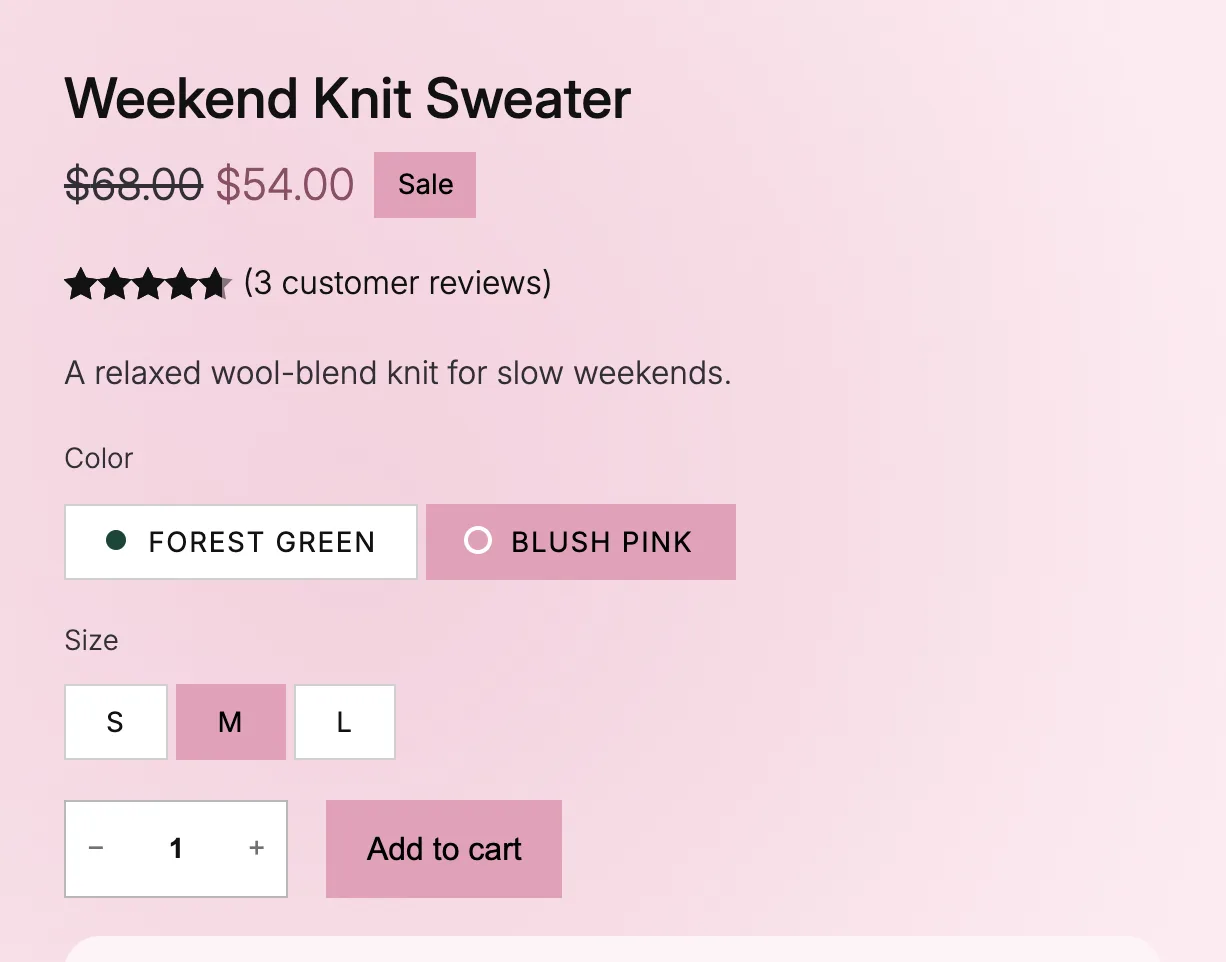
Blush pink picked on the Weekend Knit Sweater.
Good to know
Before you turn it off
- Only the main product's button changes. Related products keep your theme's button.
- The color changes with a short transition, which reduced motion turns off.
- A variation set to Off in its Page color keeps your theme's button.
- On a classic theme, turn on Add to cart button under Parts that take the color in WooCommerce, Settings, Products, Purplish.