
Where to find it
Open Appearance, Editor, Templates, Single Product. Select a Group block on the template, then turn on Take the page color in the Purplish panel of the block sidebar.
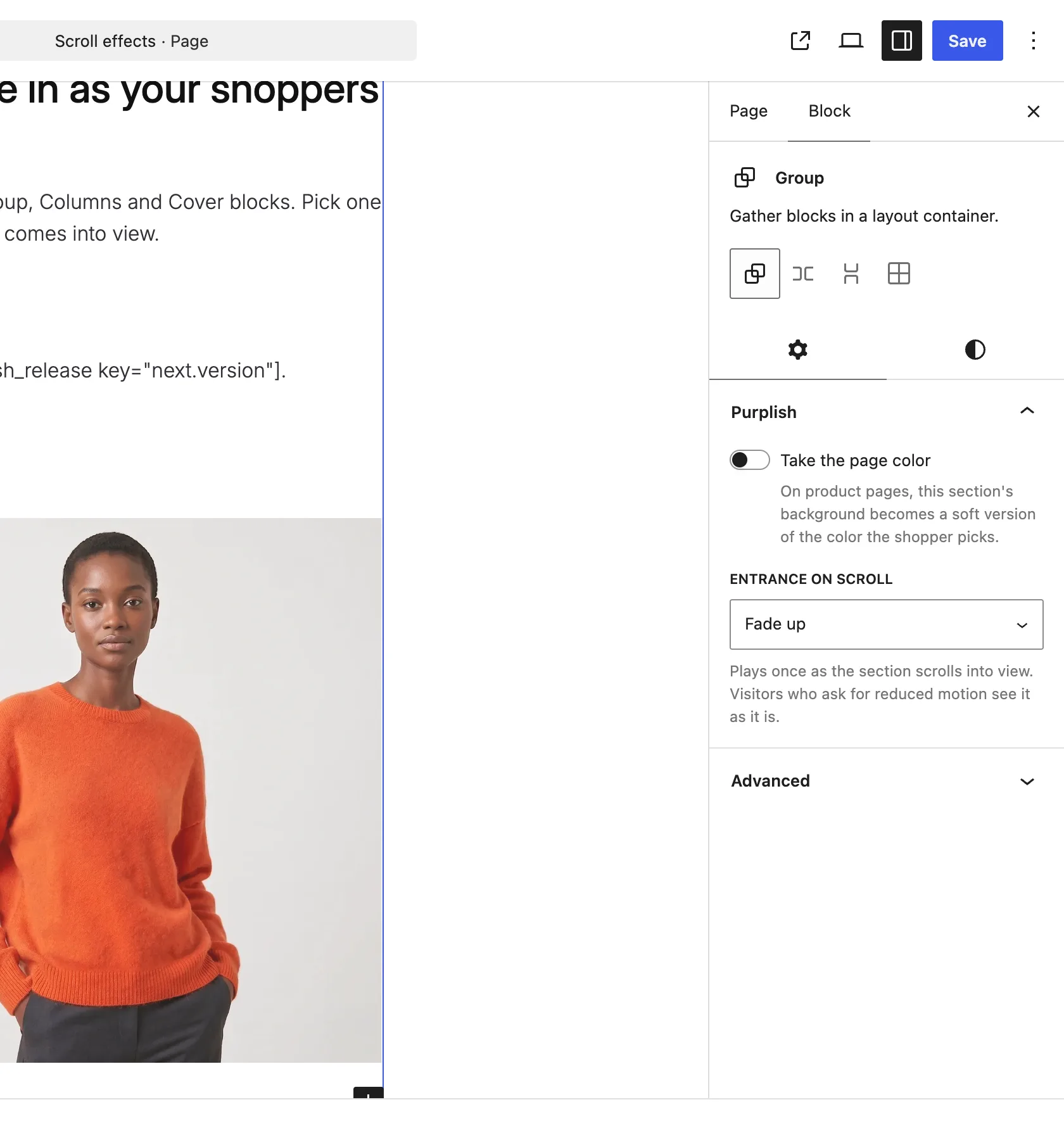
Take the page color is the first setting on the Group block.
What it does
A switch, off by default.
| Choice | What it does |
|---|---|
| Off Default | Leaves the block as it is. |
| On | On product pages, the section's background becomes a soft version of the color the shopper picks. |
Good to know
Before you turn it on
- It follows the variation's color, so it does something on product pages only.
- Use it for one section, like the description area, when a full Page background tint is too much.
- Each Group block keeps its own setting.