
Where to find it
Edit the Cart page in Pages, or open Appearance, Editor, Templates, Page: Cart. Select the Cart block, then turn on Soft rows in the Purplish panel. You'll see it in the editor as you pick.
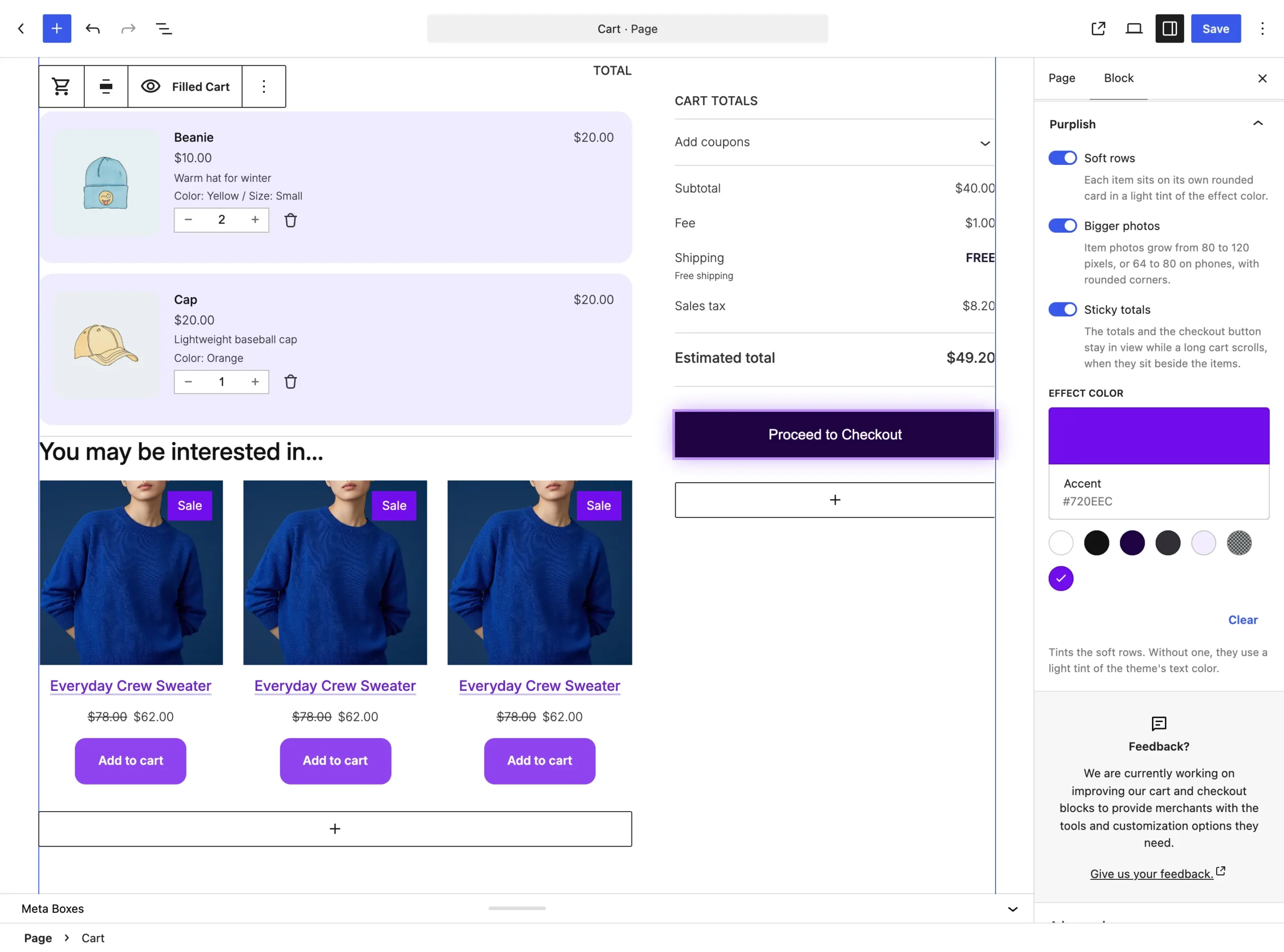
Soft rows is the first switch on the Cart block.
What it does
A switch, off by default.
| Choice | What it does |
|---|---|
| Off Default | Leaves the block as it is. |
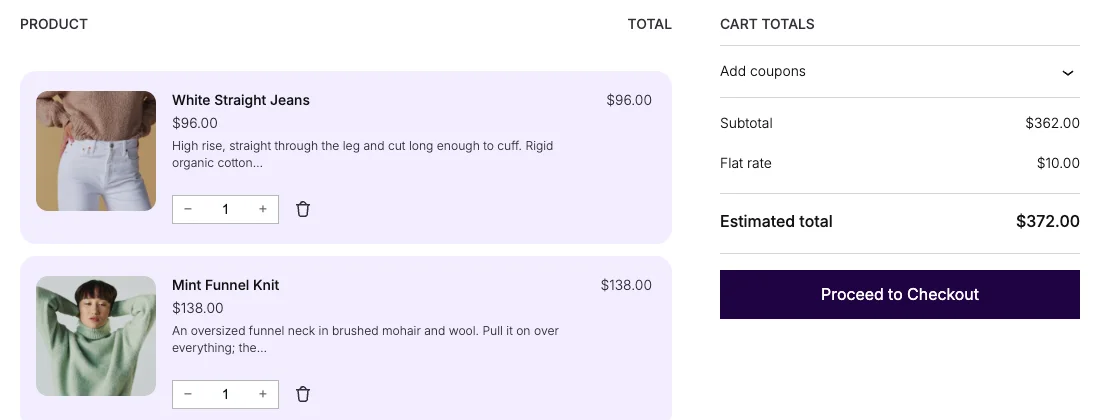
| On | Each item sits on its own rounded card in a light tint of the effect color, with no lines between them. |
See it on the store
The cart page with Soft rows and Bigger photos on.
Good to know
Before you turn it on
- The tint comes from the Effect color at the bottom of the same panel. Without one, the rows use a light tint of the theme's text color.
- The Mini-Cart drawer has its own Soft rows switch, on the Mini-Cart Contents block.