
Where to find it
Add a Hanging Rail block from the Purplish group of the block inserter, on any page, post or template. Select it, then pick a Scroll length in the Rail panel of the block sidebar.
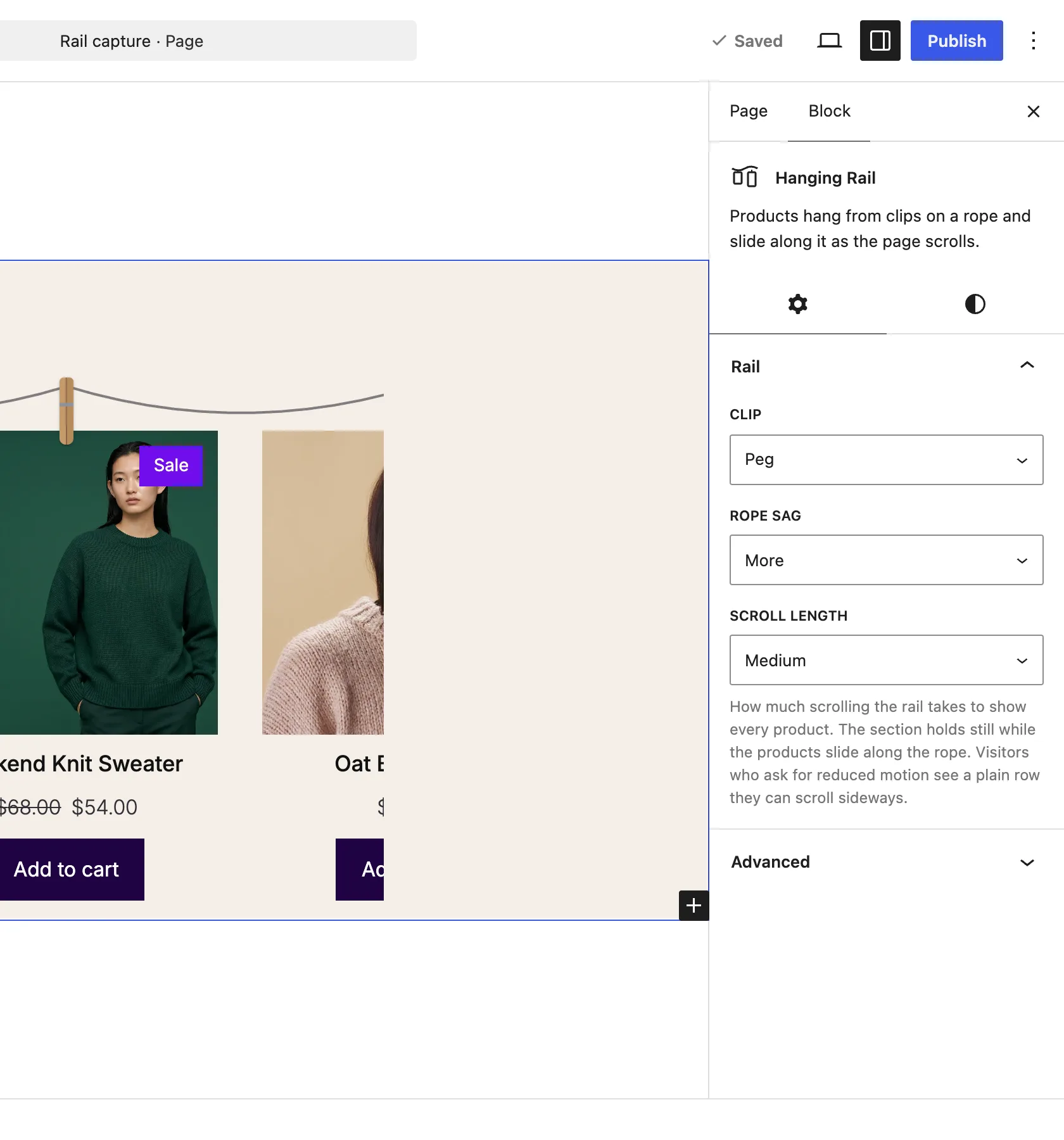
The Rail panel on the Hanging Rail block.
The choices
It starts on Medium. The section holds still while the products slide along the rope.
| Choice | What it does |
|---|---|
| Short | The products slide by fastest, with the least scrolling. |
| Medium Default | Half as much scrolling again as Short. |
| Long | Twice the scrolling of Short, so the products drift by slowly. |
See it scroll
The row slides along the rope as the page scrolls.
Good to know
Before you pick one
- The length follows how many products there are, so the rail feels the same with 4 products or 16.
- It never takes less scrolling than one screen height.
- If a wrapper around the block hides or scrolls its overflow, as Storefront's page wrapper does, the section can't hold still. The row then stays a strip that scrolls sideways.
- Visitors who ask their device for reduced motion see a plain row they can scroll sideways.