
Where to find it
Open Appearance, Editor, Patterns, Template parts, Mini-Cart. Or select the Mini-Cart block in your header and click Edit Mini-Cart Drawer template. Select the Mini-Cart Contents block, then turn on Soft rows in the Purplish panel. You'll see it in the editor as you pick.
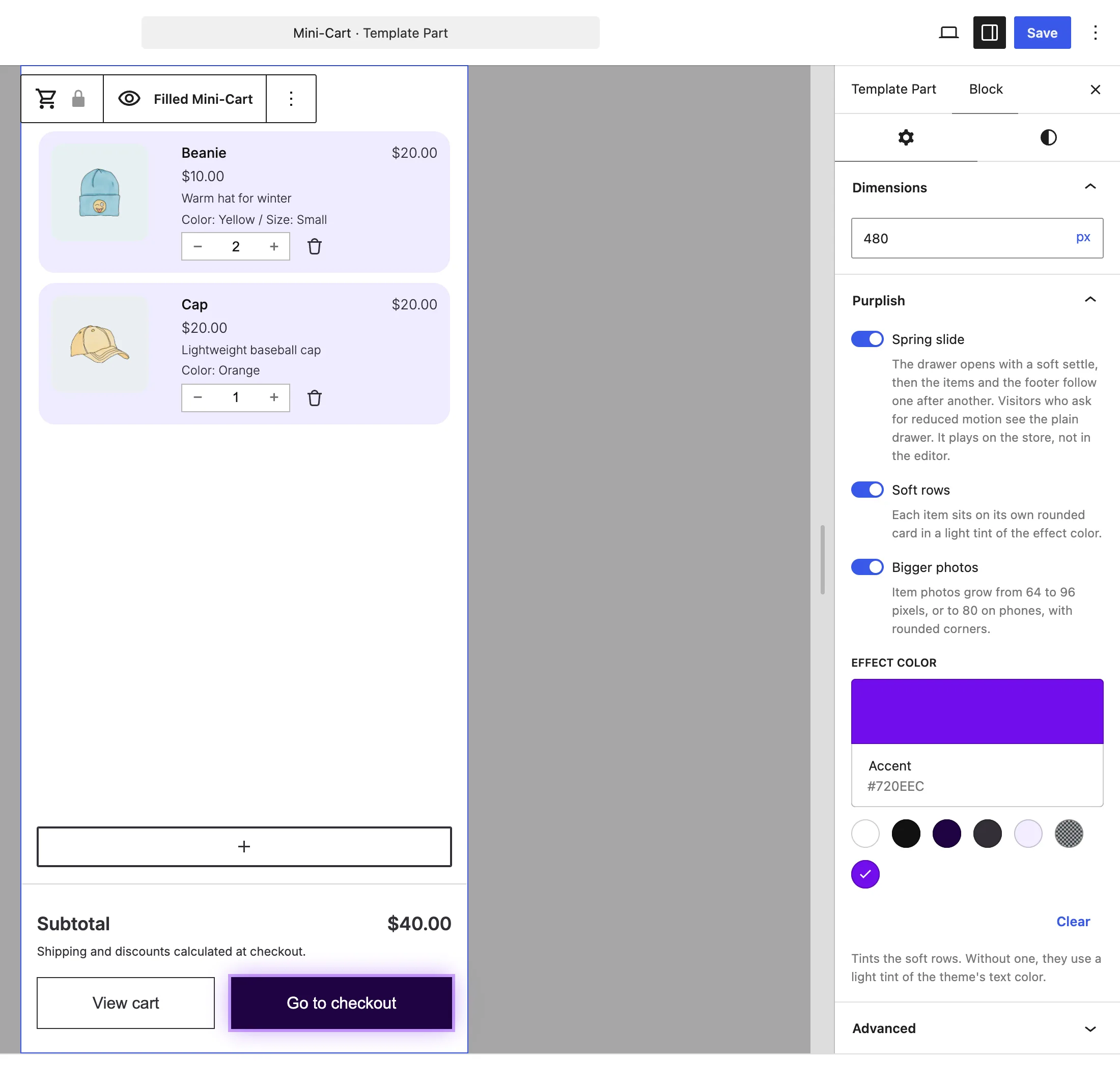
Soft rows sits under Spring slide.
What it does
A switch, off by default.
| Choice | What it does |
|---|---|
| Off Default | Leaves the block as it is. |
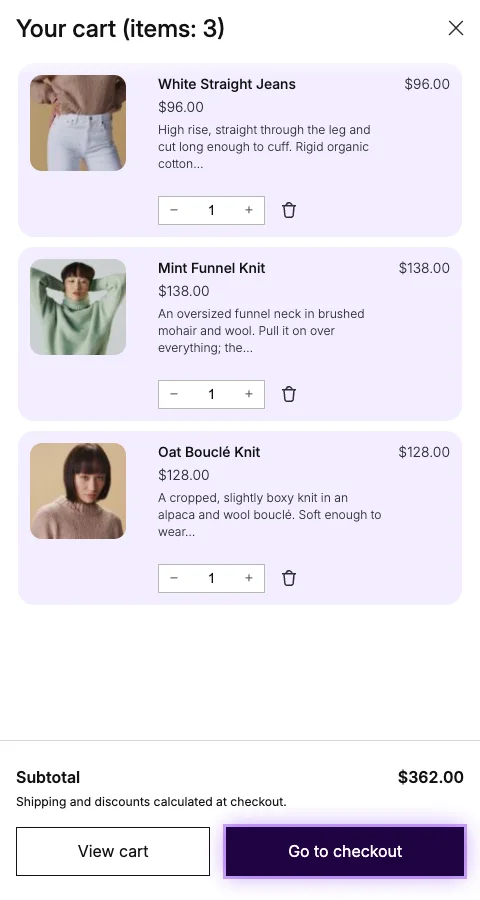
| On | Each item sits on its own rounded card in a light tint of the effect color, with no lines between them. |
See it on the store
The open drawer with Soft rows and Bigger photos on.
Good to know
Before you turn it on
- The tint comes from the Effect color at the bottom of the same panel. Without one, the rows use a light tint of the theme's text color.
- Cart soft rows are a separate switch on the Cart block.