
Where to find it
Add a Story Deck block from the Purplish group of the block inserter, on any page, post or template. Select it, then pick a Fan in the Deck panel of the block sidebar.

The Deck panel on the Story Deck block.
The choices
It starts on Fanned.
| Choice | What it does |
|---|---|
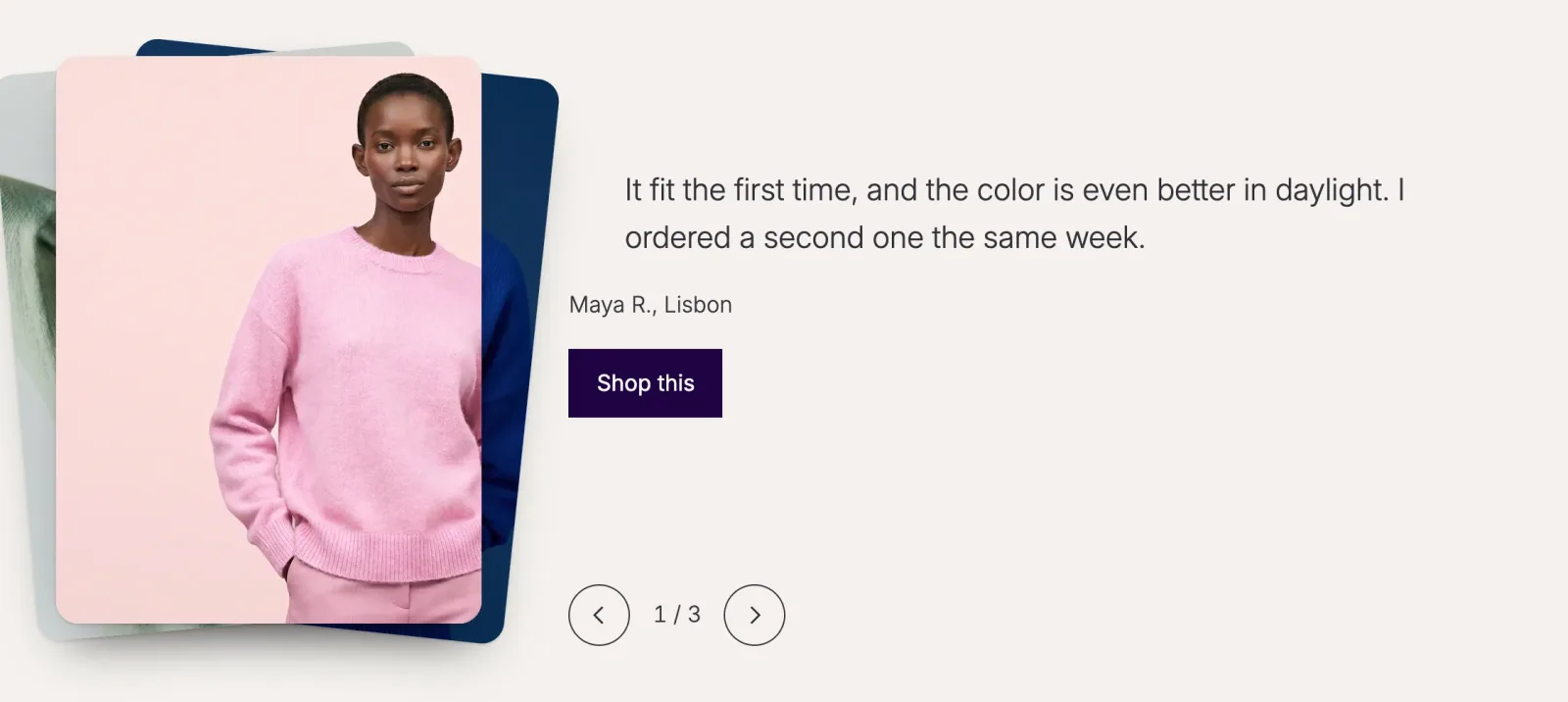
| Fanned Default | The cards under the top one lean out like a hand of cards. |
| Flat | The cards sit straight, each one a little lower and smaller. |
See it on a page
Fanned cards on the left, with the story beside them.
Good to know
Before you pick one
- Up to three cards show under the top one. The rest wait out of sight.
- The deck never moves on its own. Visitors flick the top card away or use the buttons and arrow keys, and after the last story it starts again.
- Visitors who ask their device for reduced motion switch stories with a short fade, without dragging.