
Where to find it
Select a Button block in any page, post or template, then pick One eye or Two eyes under Googly eyes in the Purplish panel.
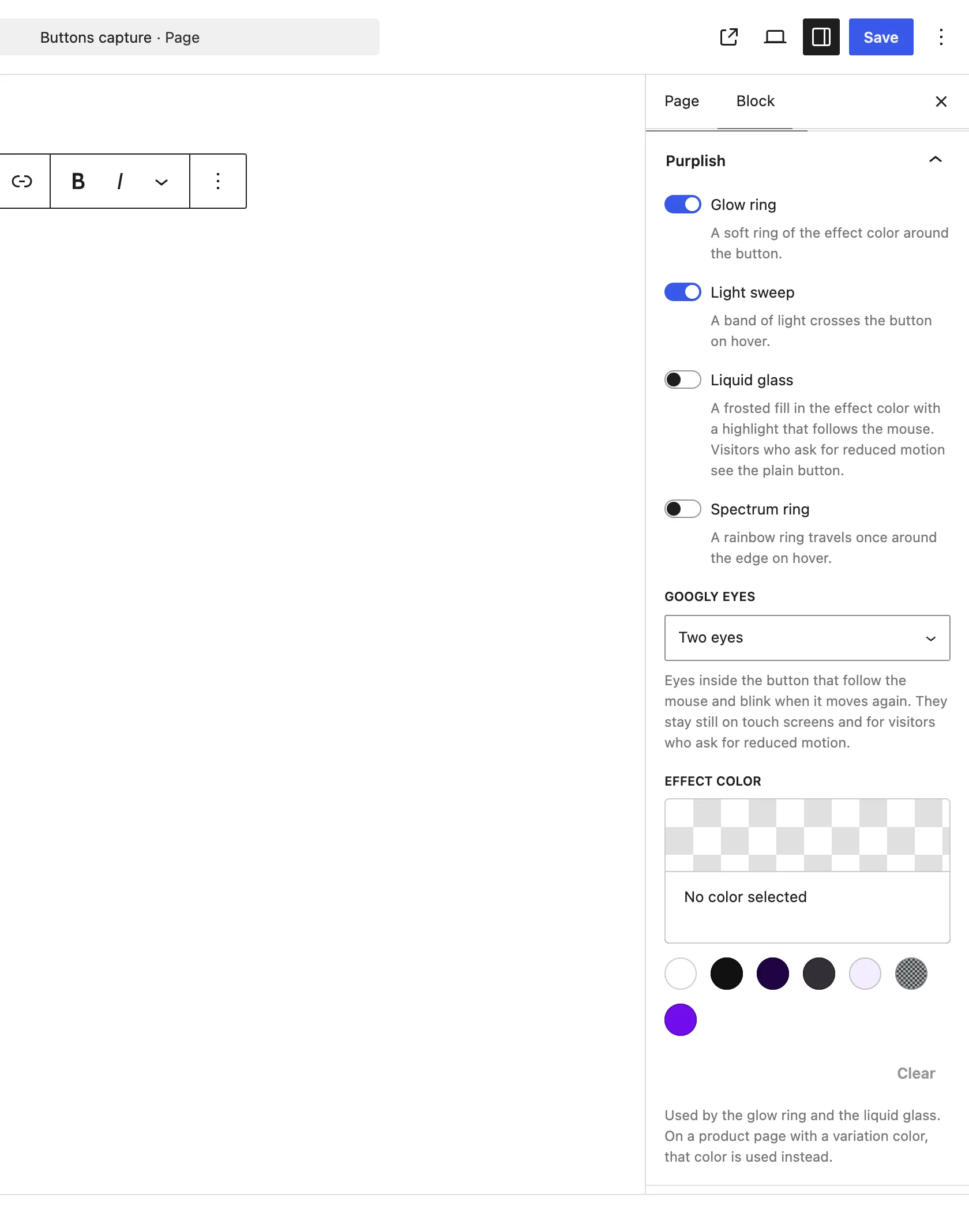
Googly eyes sits under the four looks.
The choices
It starts on None.
| Choice | What it does |
|---|---|
| None Default | No eyes. |
| One eye | One eye inside the button. |
| Two eyes | A pair of eyes inside the button. |
See it on a product
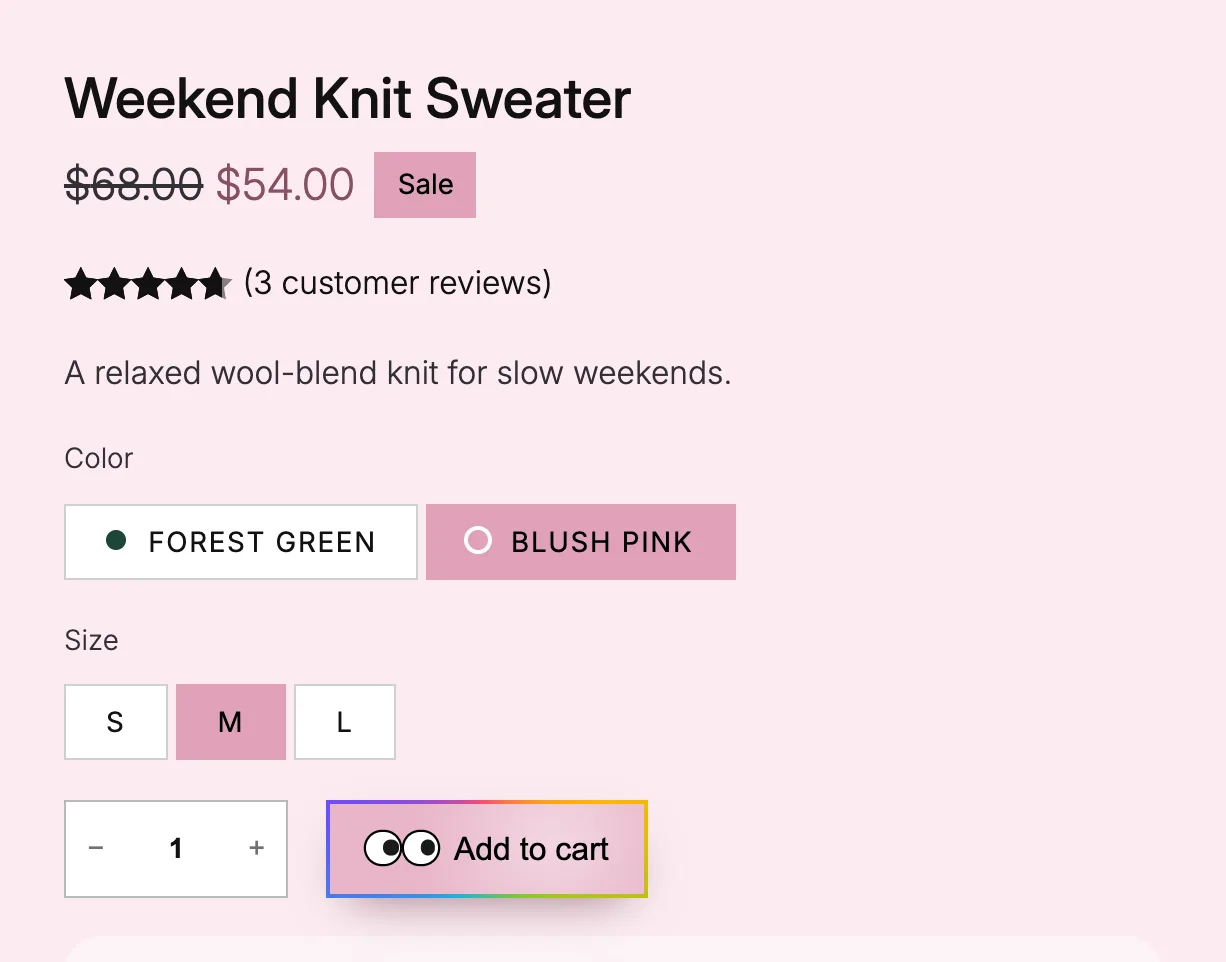
Two eyes on the add to cart button, with the mouse on the button.
Good to know
Before you pick one
- The eyes follow the mouse and blink when it moves again after a pause.
- They stay still on touch screens and for visitors who ask for reduced motion.
- For the add to cart button, use Googly eyes on the button on the Add to Cart + Options block.