
Where to find it
Select a Cover block in any page, post or template, then pick a Hover in the Purplish panel.
Featured Category and Featured Product blocks have the same Hover in their Purplish panel.
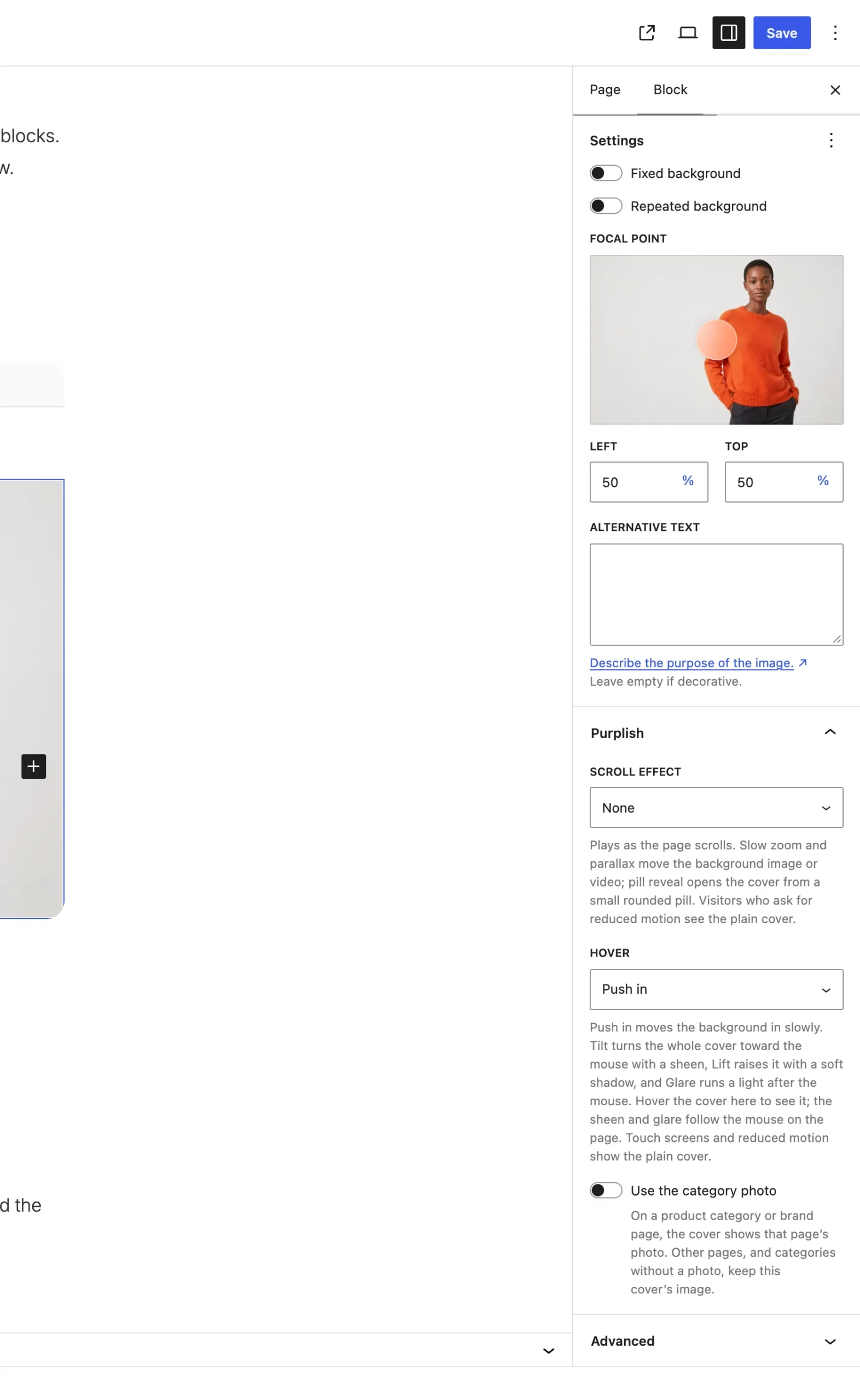
Hover sits under Scroll effect.
The choices
It starts on None.
| Choice | What it does |
|---|---|
| None Default | The cover stays as it is. |
| Push in | The background image or video moves in slowly. The text stays put. |
| Tilt | The whole cover turns toward the mouse, with a sheen. |
| Lift | The whole cover rises on a soft shadow. |
| Glare | The cover stays still and a light follows the mouse across it. |
Good to know
- Push in works with a Scroll effect on the same cover.
- In the editor, hover the cover to see Push in and Lift. Tilt's sheen and Glare follow the mouse on the published page only.
- A cover with a fixed background keeps still for Push in, Tilt and Lift.
- Featured Category and Featured Product take these looks on WooCommerce 11.3 or later.
- Touch screens and visitors who ask their device for reduced motion see the plain cover.