
Where to find it
Select a Look inside your Showfloor block. Pick a cut-out and at least one product, then open the Markers and Face crop panels of the block sidebar.
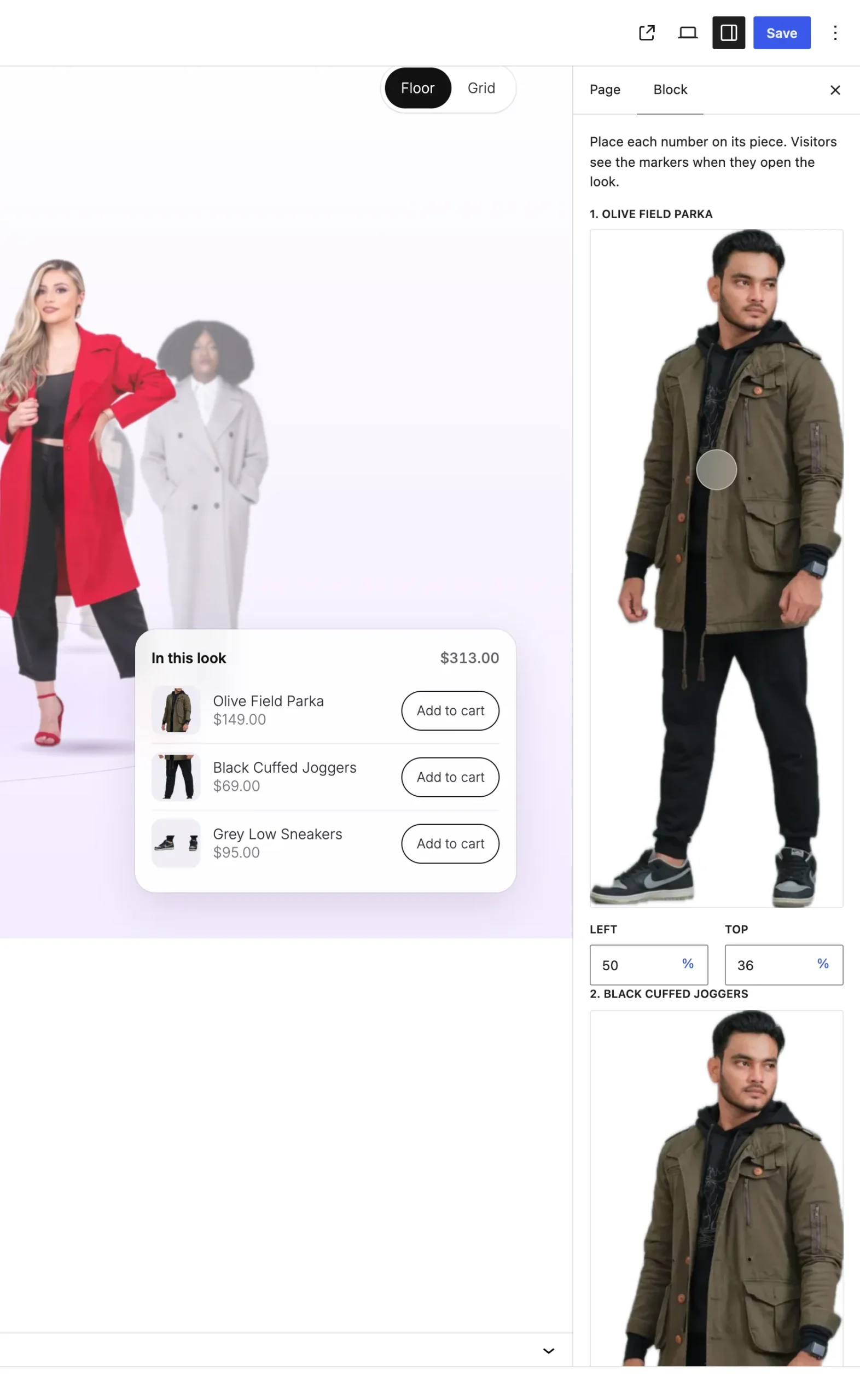
Markers shows once the look has a cut-out and a product.
The settings
| Setting | What it does |
|---|---|
| Markers | One picker for each product. Click where that piece sits on the cut-out. Shoppers see the numbers when they open the look. |
| Face center | Where the round crop sits when the Showfloor's look list shows faces. |
Good to know
- A marker you don't place stands down the middle of the cut-out, in order.
- Hovering or focusing a marker lights up its row in the look's product list, and the other way round.
- Removing a product also removes its marker.