
Where to find it
Open the template part or template that holds your Mini-Cart block, usually the Header, in Appearance, Editor. Select the Mini-Cart block, then turn on Fly to cart in the Purplish panel.
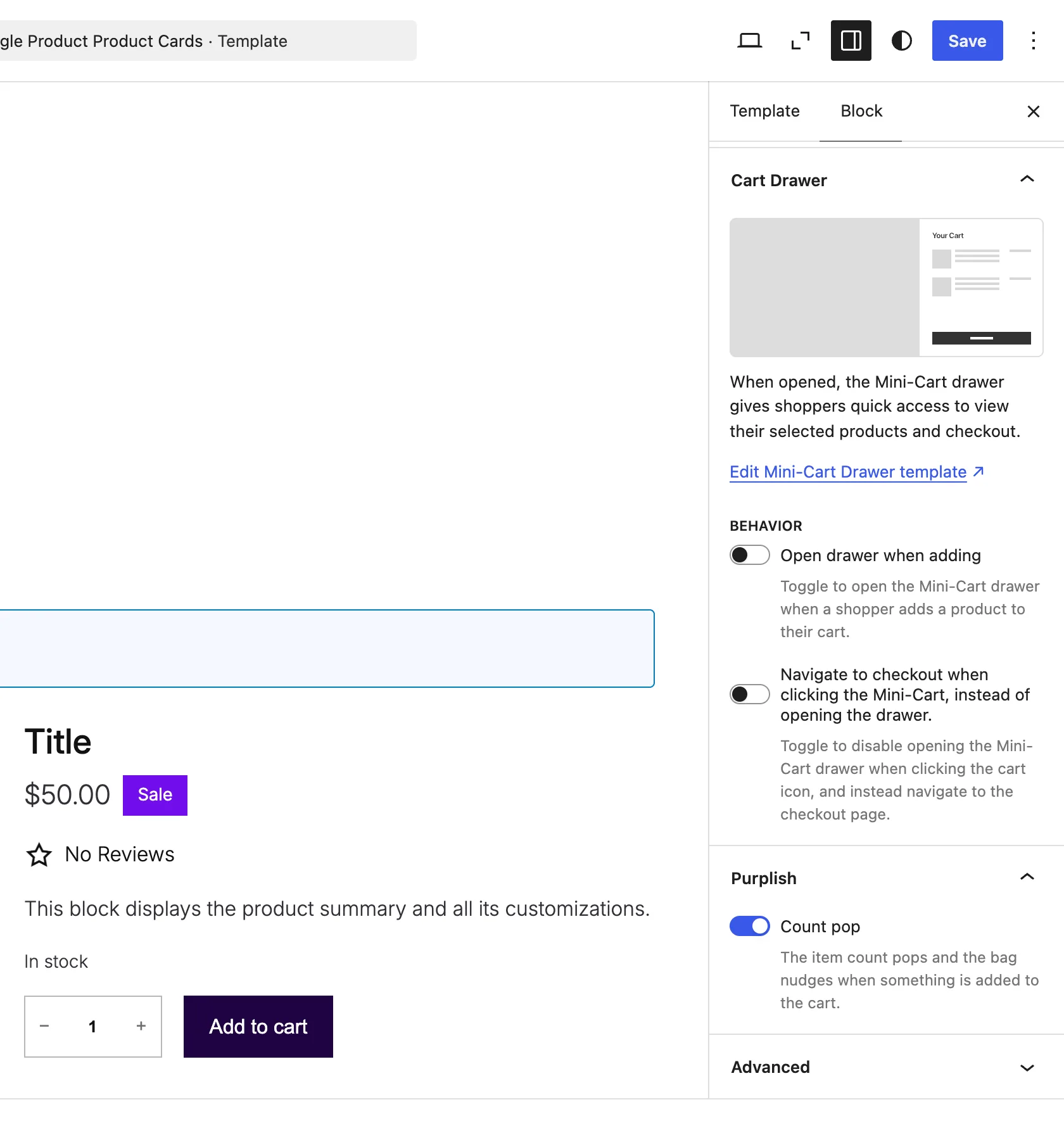
Fly to cart sits under Count pop.
What it does
A switch, off by default.
| Choice | What it does |
|---|---|
| Off Default | Leaves the block as it is. |
| On | The product photo flies into the cart icon when a shopper adds it, from product cards and the product page. |
See it on a product
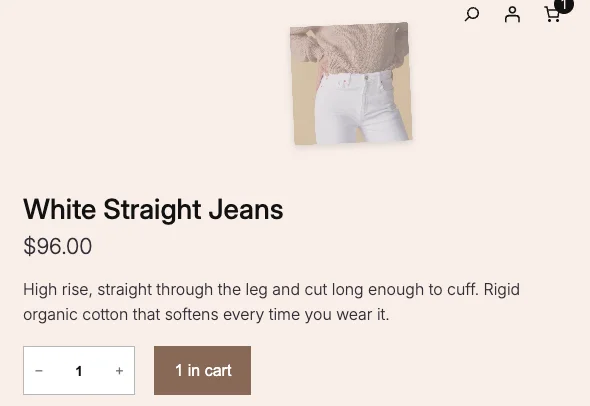
Adding the White Straight Jeans to the cart on the demo store.
Good to know
Before you turn it on
- It plays on the store, not in the editor.
- It isn't used when the Mini-Cart opens the drawer on add, since the drawer covers the icon.
- The Runway block has its own Fly to cart, so its cards are left to that one.
- Visitors who ask their device for reduced motion see no flight.
- Turn on Count pop too and the count pops as the photo lands.