
Where to find it
Add a Runway block from the Purplish group of the block inserter, on any page, post or template. Select it, then turn Look number on or off in the Runway panel of the block sidebar.
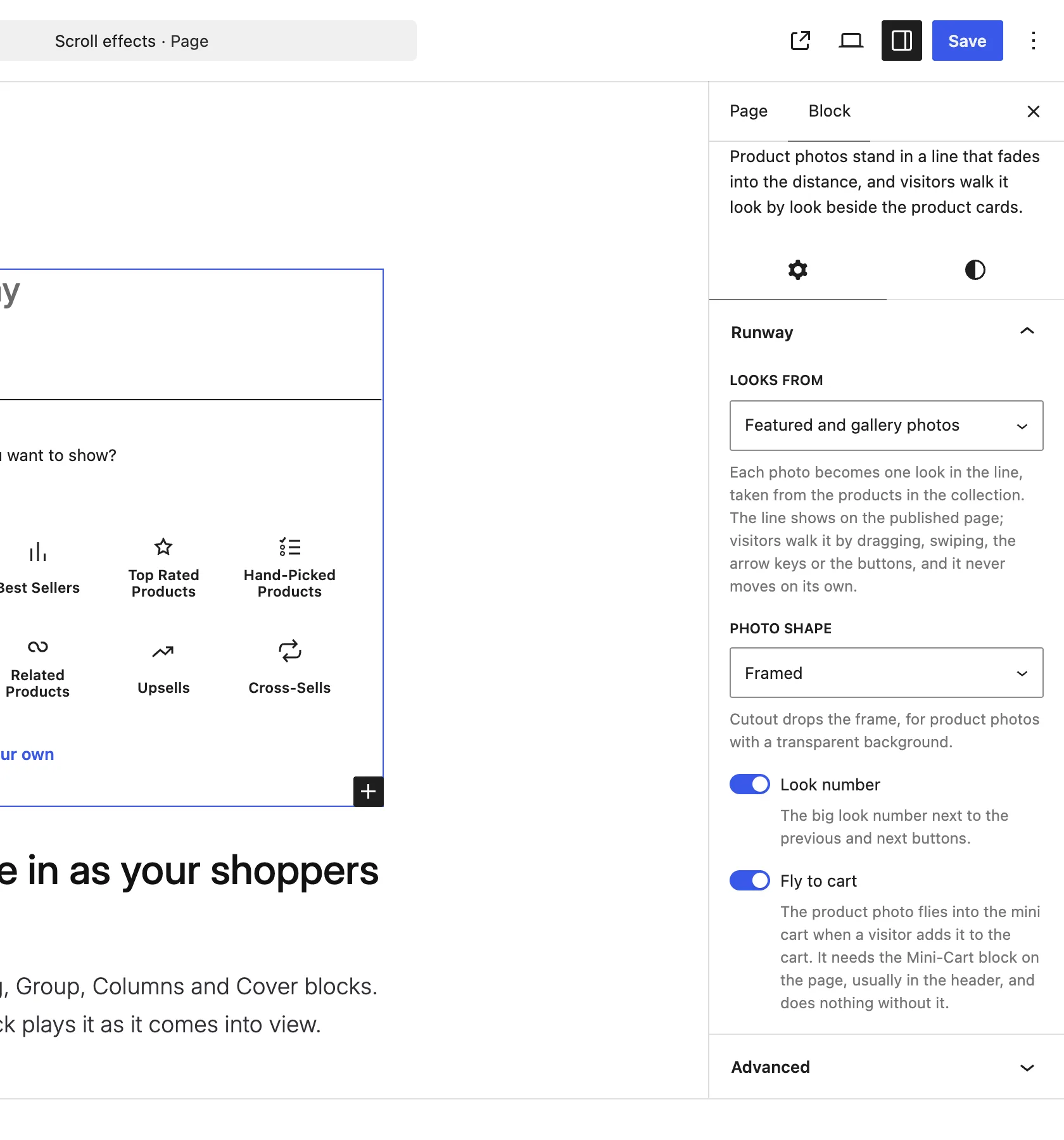
The Runway panel on the Runway block.
What it does
A switch, on by default.
| Choice | What it does |
|---|---|
| On Default | Shows the big look number next to the previous and next buttons. |
| Off | Hides the number. The buttons stay. |
Good to know
Before you turn it off
- Screen readers still hear which look is at the front and how many looks there are.