
Where to find it
Select the look card in your Wardrobe panel and duplicate it, once for each link you want a look for. Keep the cards side by side, then edit each one.
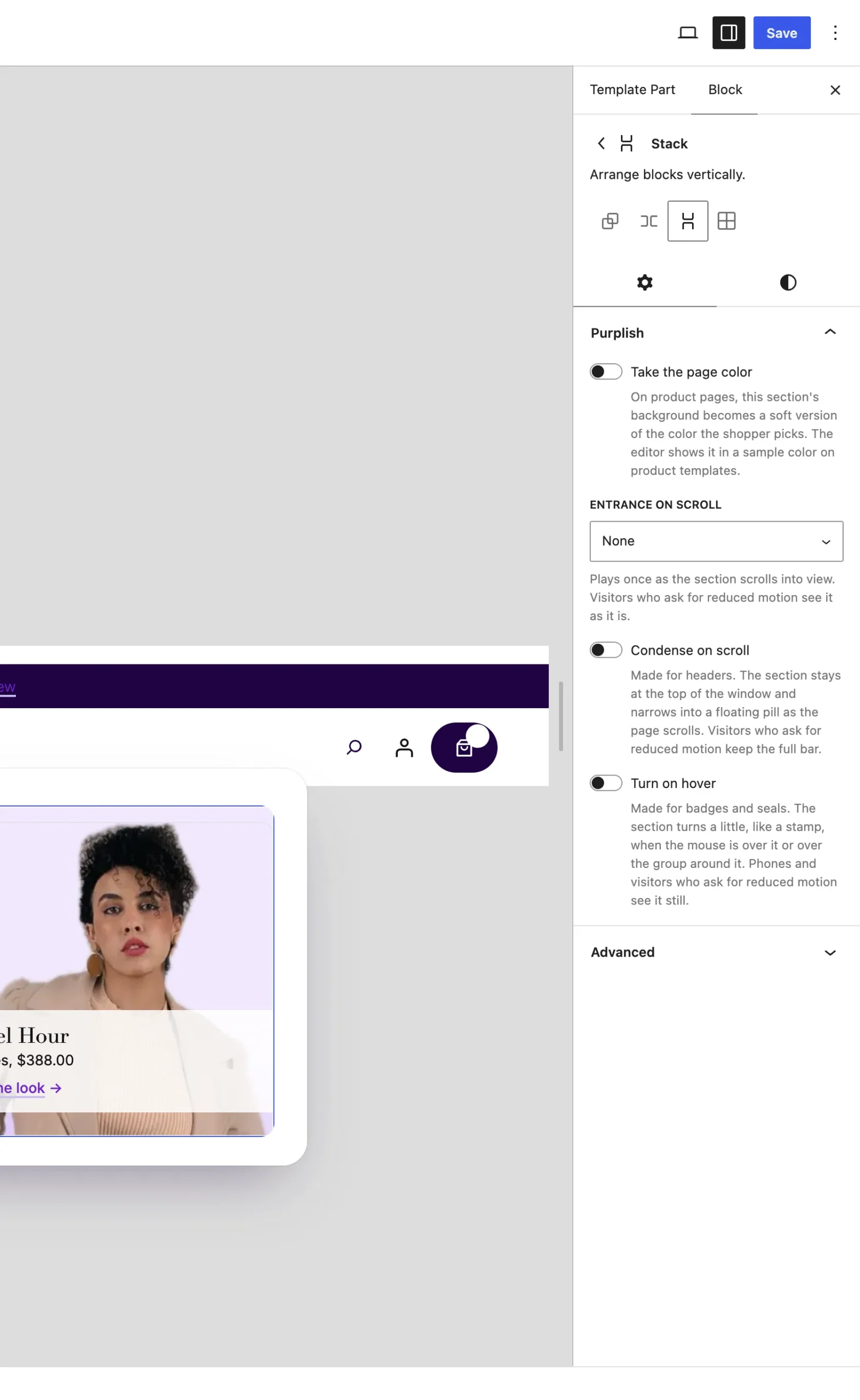
The selected card shows in place of the first one in the editor.
How it matches
| Link | Look card shown |
|---|---|
| First link | The first look card. It also shows when the panel opens. |
| Second link | The second card, and so on in order. |
| Links past the last card | The card that's showing stays. |
Good to know
Before you add cards
- It works with the links in the panel's first list and the look card that comes with the Wardrobe. Duplicate that card rather than building a new one.
- Cards cross-fade in one spot. Tab moving into a card shows it, so every card's links can be reached.
- The Flagship header pattern comes with one look card for each category link.