
Where to find it
Add an Escalator block from the Purplish group of the block inserter, on any page, post or template. Select it, then open the Escalator panel in the block sidebar. Pick a look under Add to cart button. It shows while Tiles is Products.
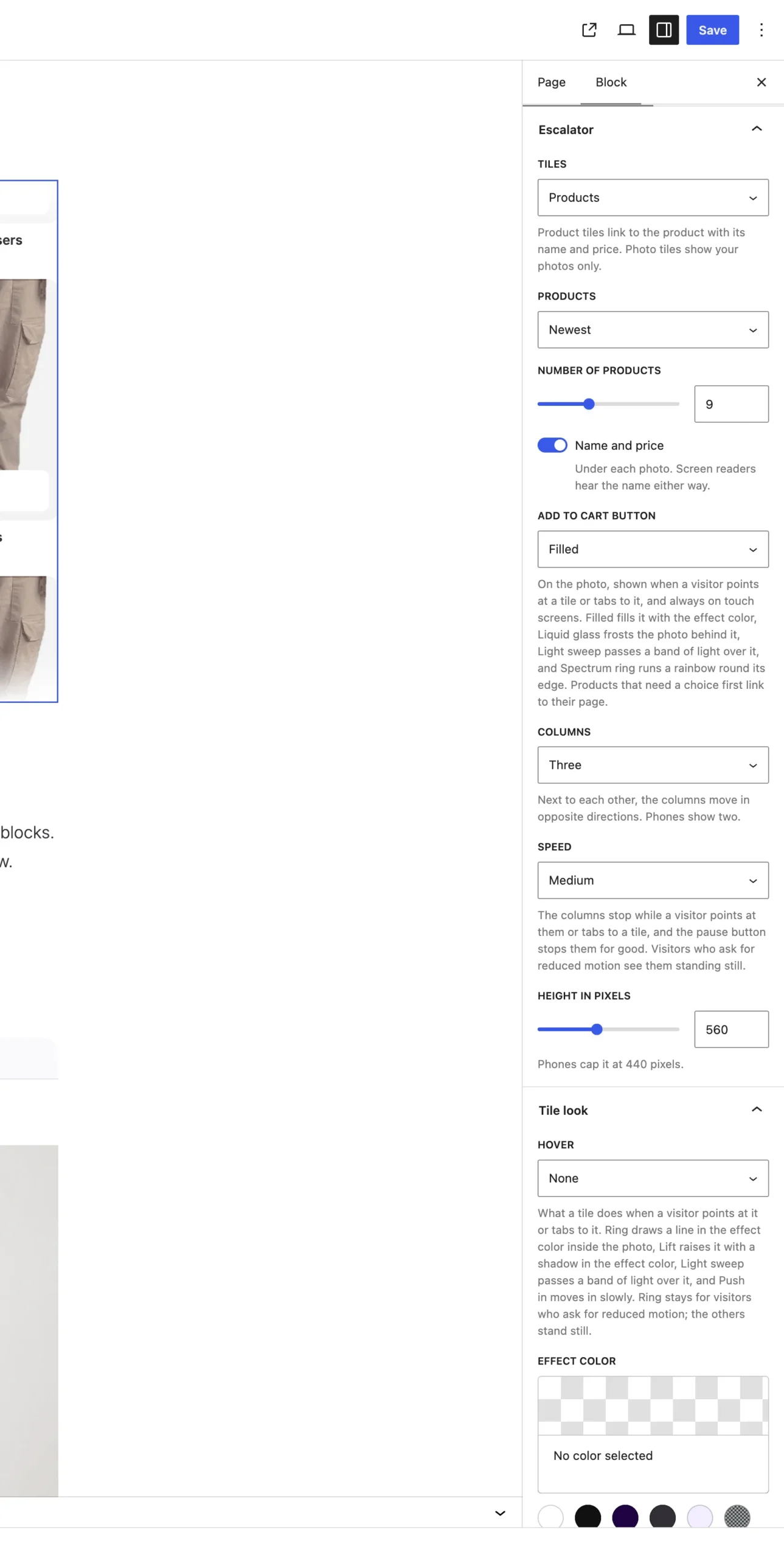
Add to cart button shows for product tiles.
The choices
It starts on None.
| Choice | What it does |
|---|---|
| None Default | No button. The tile links to the product. |
| Filled | Fills the button with the effect color. |
| Liquid glass | Frosts the photo behind the button. |
| Light sweep | A band of light passes over the button. |
| Spectrum ring | A rainbow runs round the button's edge. |
Good to know
- The button sits on the photo. It shows when a visitor points at a tile or tabs to it, and always on touch screens.
- It adds through the Store API, so the Mini-Cart updates and the photo flies into it. The button reads Adding, then Added.
- Products that need a choice first, like variable products, link to their page with WooCommerce's own label.
- Visitors who ask for reduced motion still get the button, without the flying photo.