
Where to find it
In the block inserter, open the Patterns tab and pick the Purplish category. They also sit in Banners.
They show when you add or replace an Escalator block too.
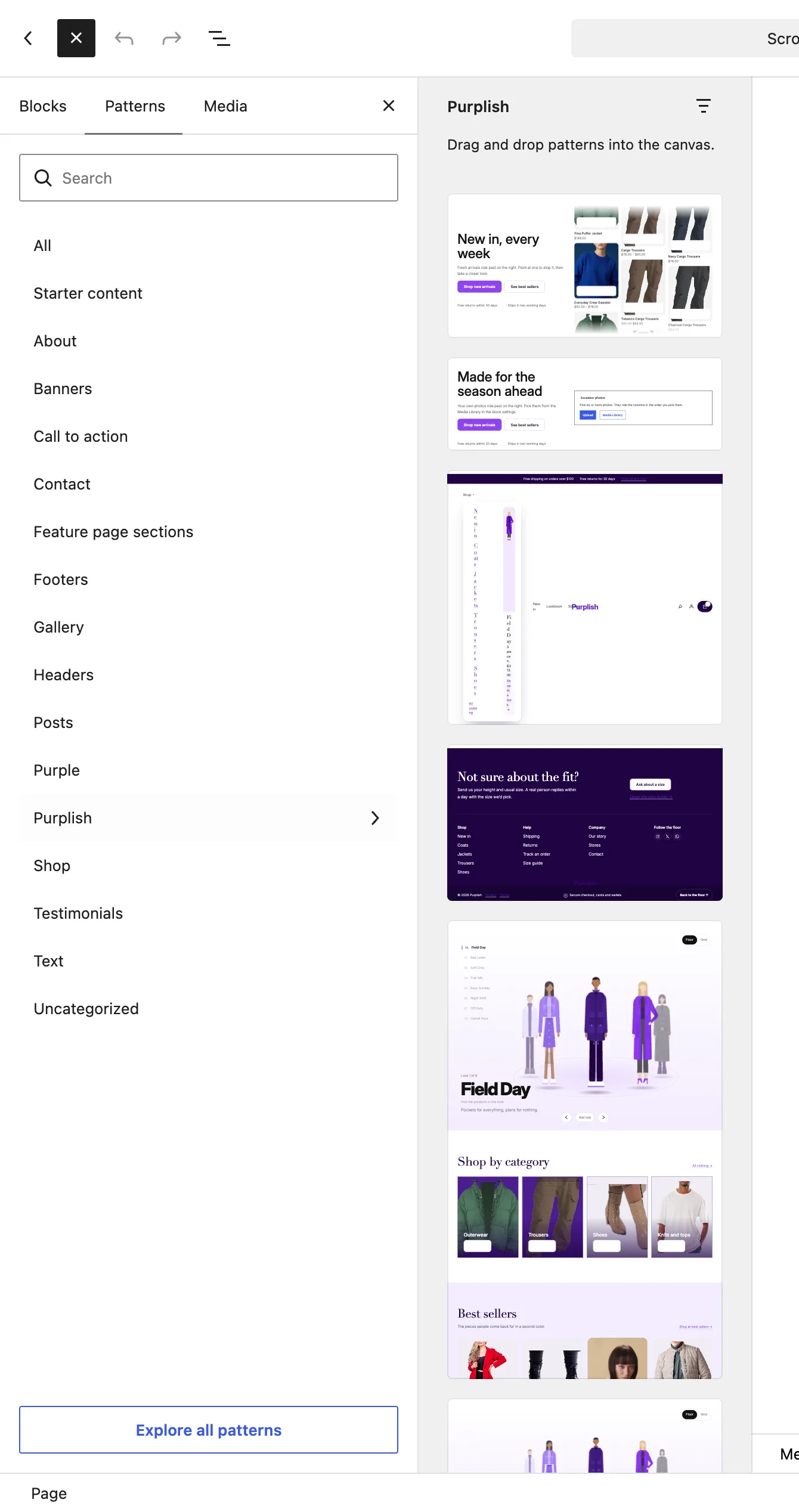
The Purplish category in the block inserter.
The patterns
| Pattern | What it is |
|---|---|
| Escalator hero with products | New in, every week as the heading, two buttons with the light sweep, and an Escalator of your 12 newest products with the Ring hover look and the Filled add to cart button. |
| Escalator hero with photos | Made for the season ahead as the heading, two buttons with the light sweep, and an Escalator of photos with the Light sweep hover look. |
What to change after inserting:
| Choice | What it does |
|---|---|
| Text | Write your own heading, line and notes. |
| Buttons | Point both buttons at your shop or category pages. |
| Photos | For the photos hero, select the Escalator and pick your photos. |
Good to know
- Both use the wide width. The text column takes a little under half the row.
- Every Escalator setting works on the block inside.