
Where to find it
In the block inserter, open the Patterns tab and pick the Purplish category. Each pattern also sits in its own category, like Headers, Footers or Shop.
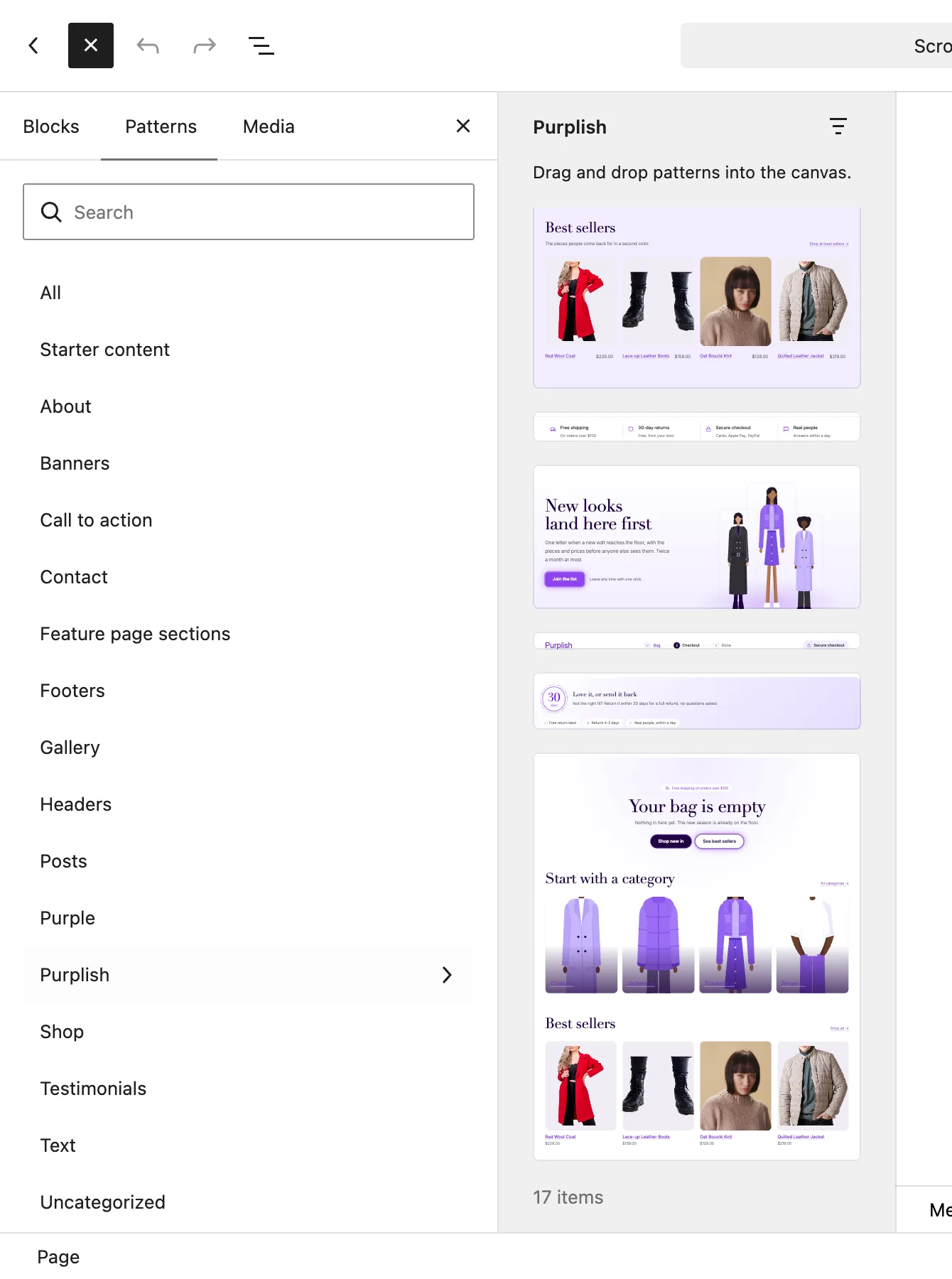
The Purplish category in the block inserter.
The patterns
| Pattern | Where it goes |
|---|---|
| Checkout header | In WooCommerce's Checkout Header template part. Your site name, a Bag, Checkout, Done trail and a Secure checkout pill. Nothing on it moves. |
| Money-back guarantee card | Under the Checkout or Cart block. A 30-day seal that turns on hover, a promise and three proof chips. |
| Empty cart | Inside the Cart block's Empty Cart area. A heading, two buttons, four category tiles and your best sellers. |
Good to know
- Edit the 30 days and 5 days on the guarantee card to match your real return policy.
- The empty cart tiles are drawn figures linking to the shop page. Swap in your categories.
- The empty cart's best sellers have no add to cart button: WooCommerce draws the empty cart again in the browser, and those buttons stop working in there.