
Where to find it
Open Appearance, Editor, Templates, Single Product. Select the Product Gallery block, then turn on Rounded corners in the Purplish panel.

Rounded corners is the second switch on the Product Gallery block.
What it does
A switch, off by default.
| Choice | What it does |
|---|---|
| Off Default | Leaves the block as it is. |
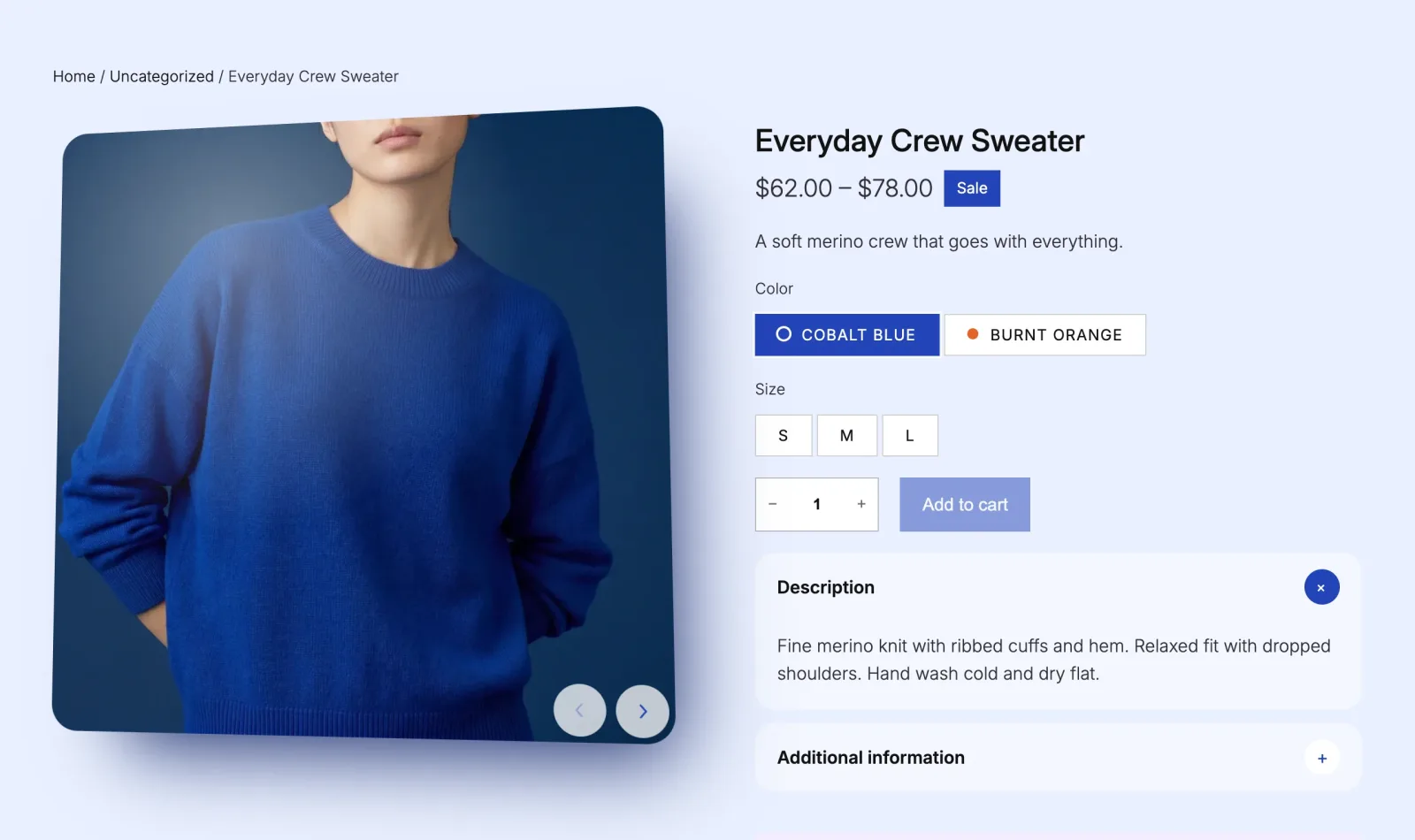
| On | Rounds the corners of the large photo. |
See it on a product
Rounded corners on the Everyday Crew Sweater, with 3D tilt and frosted arrows on too.
Good to know
Before you turn it on
- The corners are a 24 pixel radius on the large photo.
- On a classic theme, turn on Rounded corners under Product gallery in WooCommerce, Settings, Products, Purplish.