
Where to find it
Add a Scroll Lookbook block from the Purplish group of the block inserter, on any page, post or template. Select it, then turn Timecode on or off in the Scroll Lookbook panel of the block sidebar.
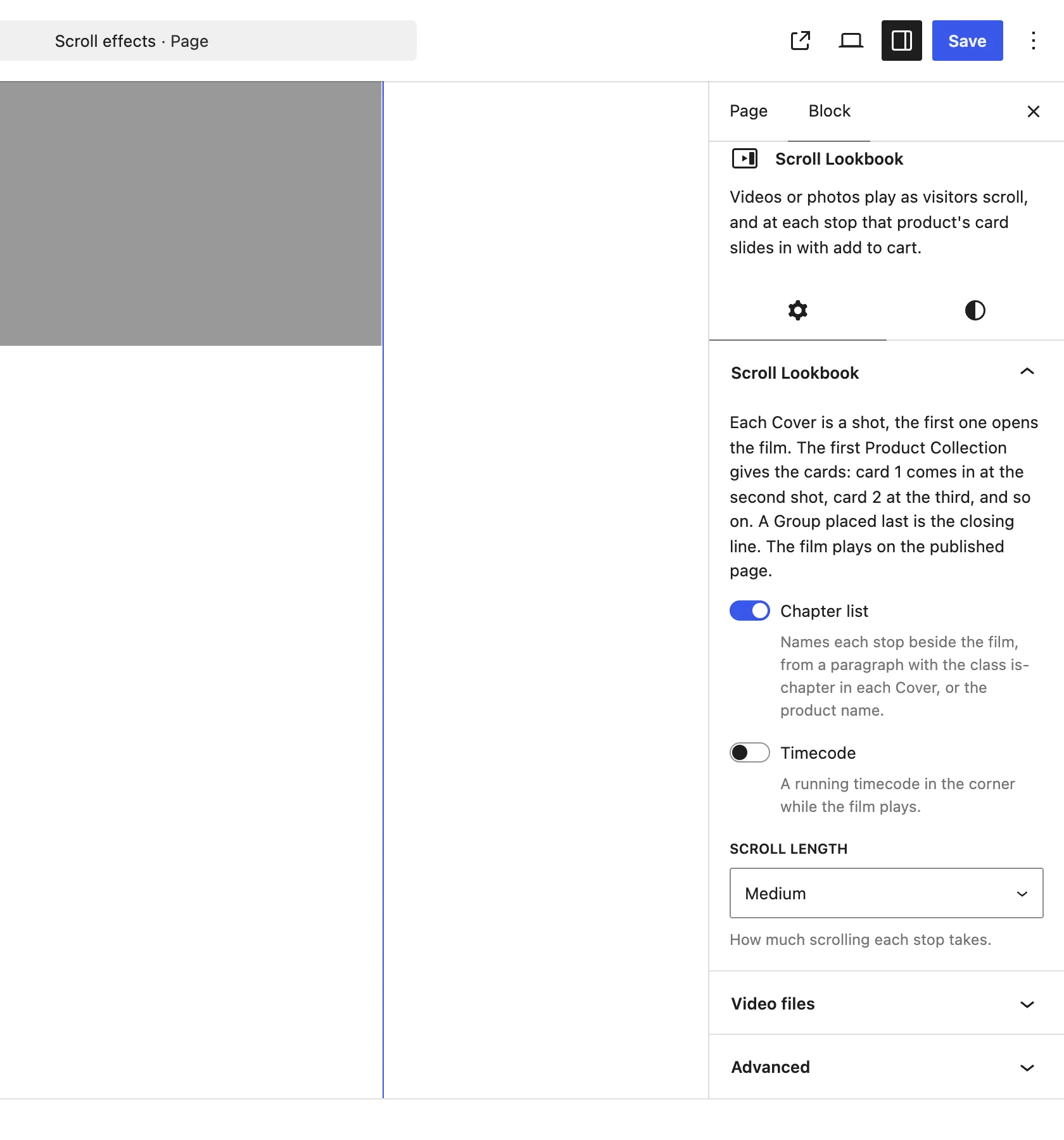
The Scroll Lookbook panel on the Scroll Lookbook block.
What it does
A switch, off by default.
| Choice | What it does |
|---|---|
| Off Default | No clock. |
| On | A clock in hours, minutes, seconds and frames runs in the bottom corner of the film while the camera moves between the stops. |
Good to know
Before you turn it on
- The clock follows the scroll, not real time. Each stop moves it on by about 4 seconds, and scrolling up turns it back.
- It shows only between the opening shot and the closing line.
- It hides on films narrower than 768 pixels.
- Screen readers skip it.
- Visitors who ask their device for reduced motion, and themes that clip the page such as Storefront, get the shots and cards as a plain page with no clock.