
Where to find it
Edit the Checkout page in Pages, or open Appearance, Editor, Templates, Page: Checkout. Select the Checkout block, then pick Shipping and payment choices in the Purplish panel. You'll see it in the editor as you pick.
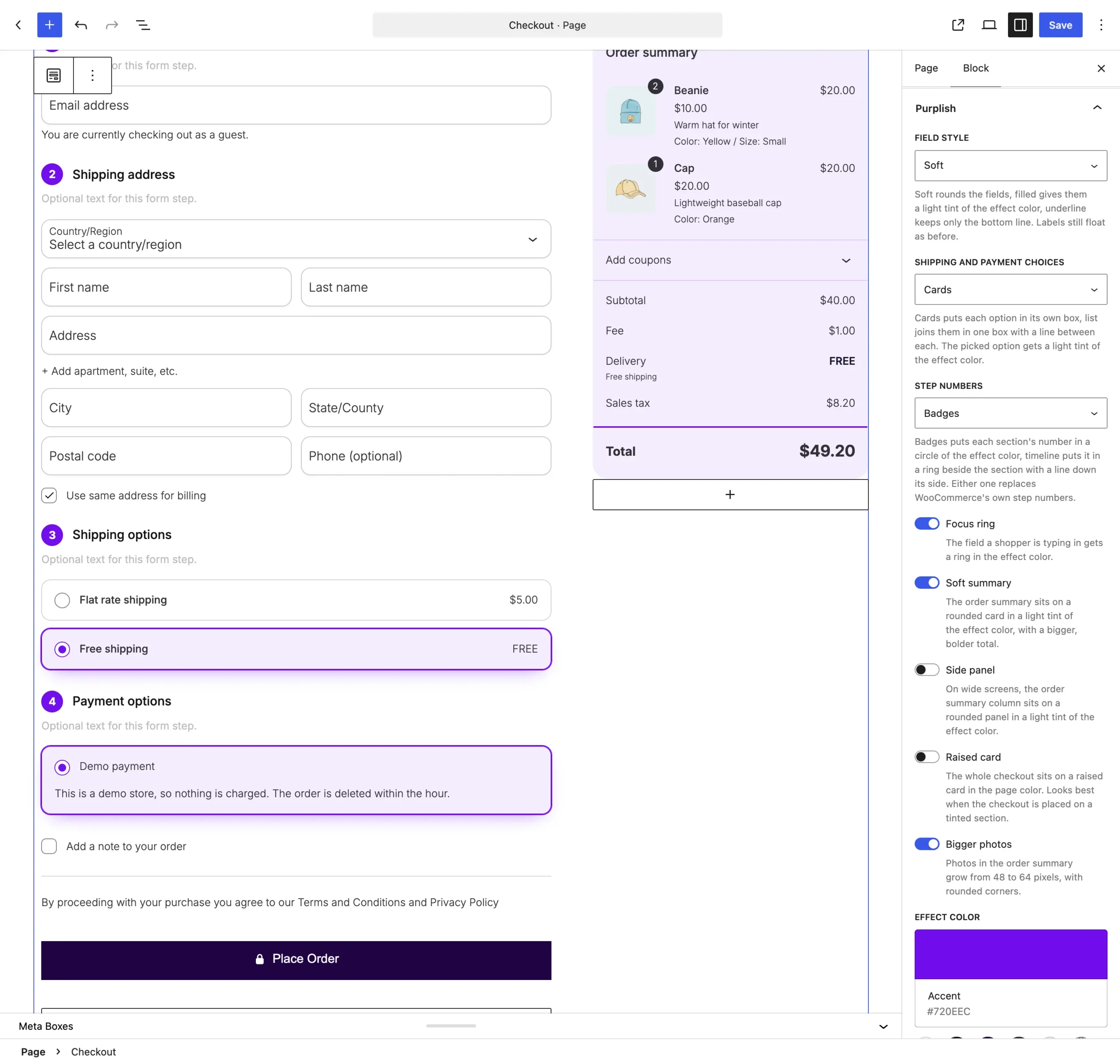
Shipping and payment choices sits under Field style.
The choices
It starts on None.
| Choice | What it does |
|---|---|
| None Default | Keeps WooCommerce's own options. |
| Cards | Puts each option in its own box. The picked one is ringed and tinted. |
| List | Joins the options in one rounded box, with a line between each. |
See both
Cards with Side panel and Soft summary, then List with Raised card, on the demo store checkout.

Good to know
Before you pick one
- The picked option gets a light tint of the Effect color, at the bottom of the same panel.
- It covers both the shipping options and the payment options.