
Where to find it
Add a Showfloor block from the Purplish group of the block inserter, on any page, post or template. Select it, then pick the controls shoppers see in the Controls panel of the block sidebar.
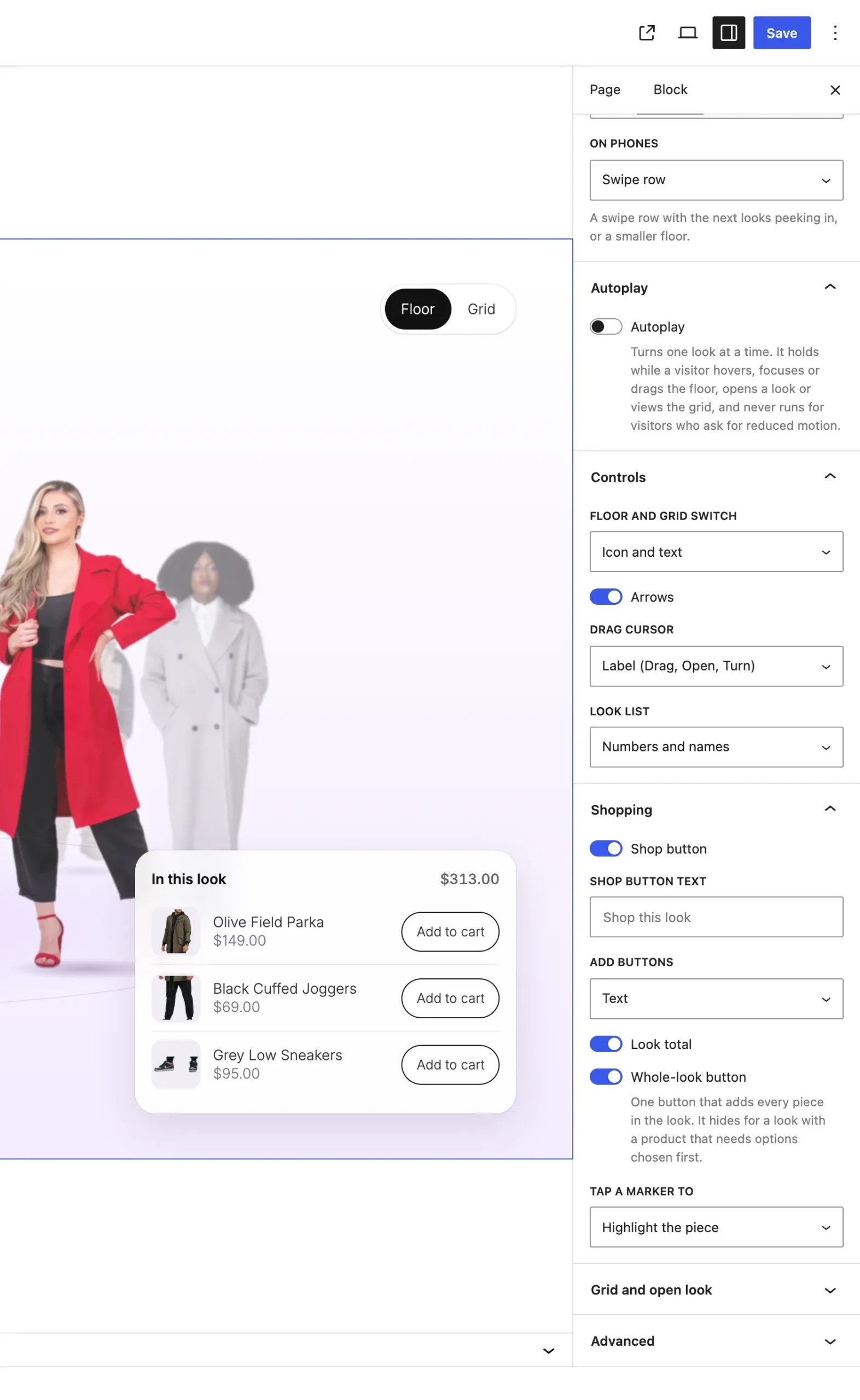
The Controls panel on the Showfloor block.
The settings
| Setting | What it does |
|---|---|
| Floor and grid switch | Icon and text, Icons, Text or Hidden. The grid shows every look at once, four in a row, or two on phones. It starts on Icon and text. |
| Arrows | On by default. Previous and Next under the floor, with a Drag to turn hint beside them that fades after the first drag. |
| Drag cursor | Label shows Drag, then Open over the front look and Turn over a back look. Ring is a ring that stretches as it drags. System cursor keeps the normal cursor. It starts on Label. |
| Look list | A list of the looks at the top left: Numbers and names, Faces, Names, Numbers or Off. A click on one turns to it. It starts on Numbers and names. |
Good to know
- Faces shows a round crop of each figure's head. Set where it sits under Face crop on each Look.
- Turning Arrows off hides the hint too.
- The drag cursor follows a mouse only, and phones hide it.
- On phones the switch shows icons whatever you pick, and the look list hides.