
Where to find it
Open a product template, like Appearance, Editor, Templates, Single Product. Select the Add to Cart + Options block, then turn on Large buy row in the Purplish panel.
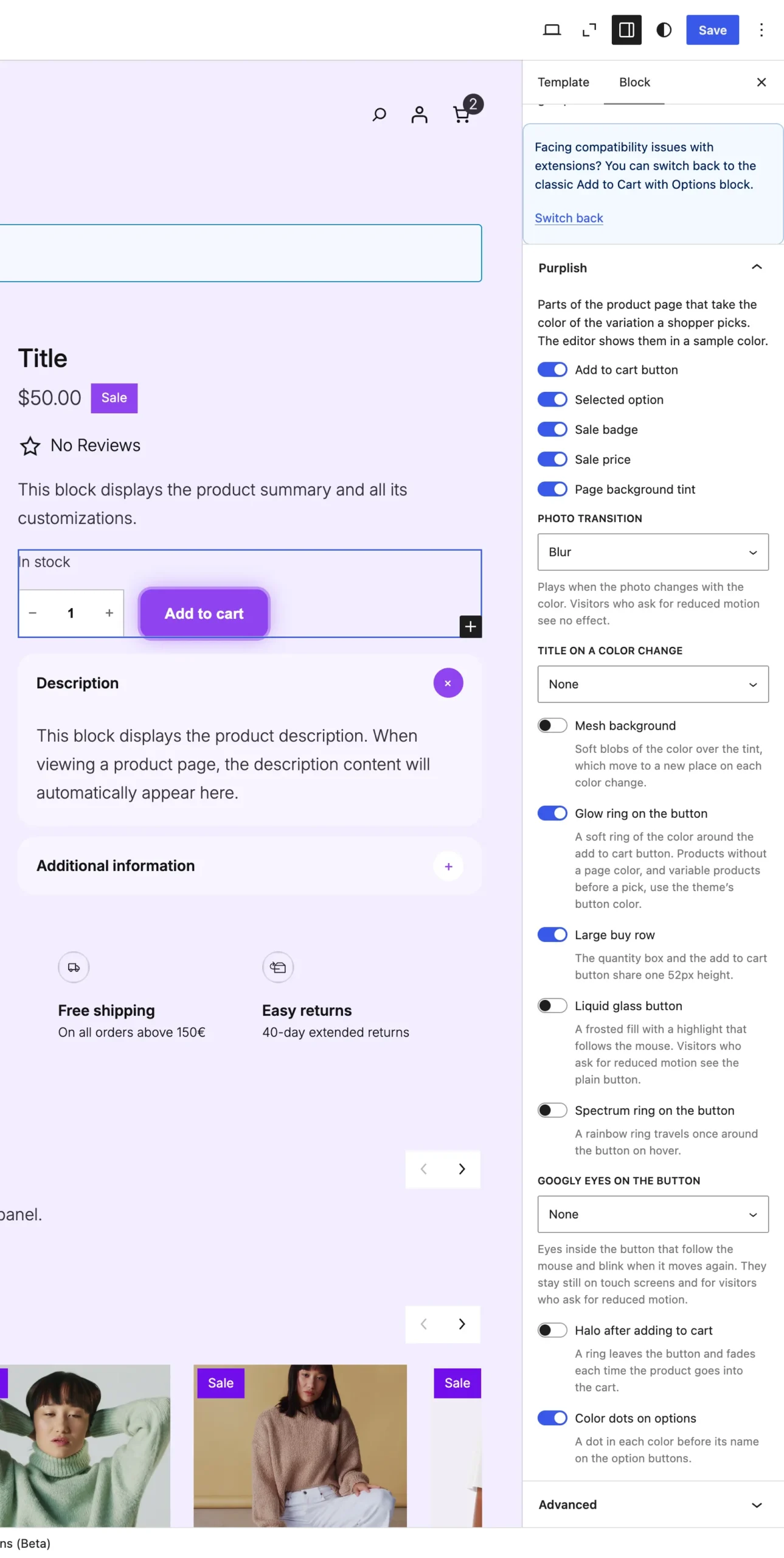
Large buy row sits under Glow ring on the button.
What it does
A switch, off by default.
| Choice | What it does |
|---|---|
| Off Default | Leaves the block as it is. |
| On | The quantity box and the add to cart button stand at one 52px height, side by side. |
Good to know
- The quantity box's edge counts toward the 52px, so both parts line up to the pixel.
- It works with the button looks on the same block, like Glow ring on the button.
- Classic themes don't have this one.