
Where to find it
Open Appearance, Editor, Templates, Single Product. Select the Add to Cart + Options block, then turn on Sale price among the switches at the top of the Purplish panel.

Sale price is the fourth switch in the panel, off until you turn it on.
What it does
A switch, off by default.
| Choice | What it does |
|---|---|
| Off Default | Leaves the block as it is. |
| On | Prints the sale price in a deeper shade of the picked color. |
See it on a product
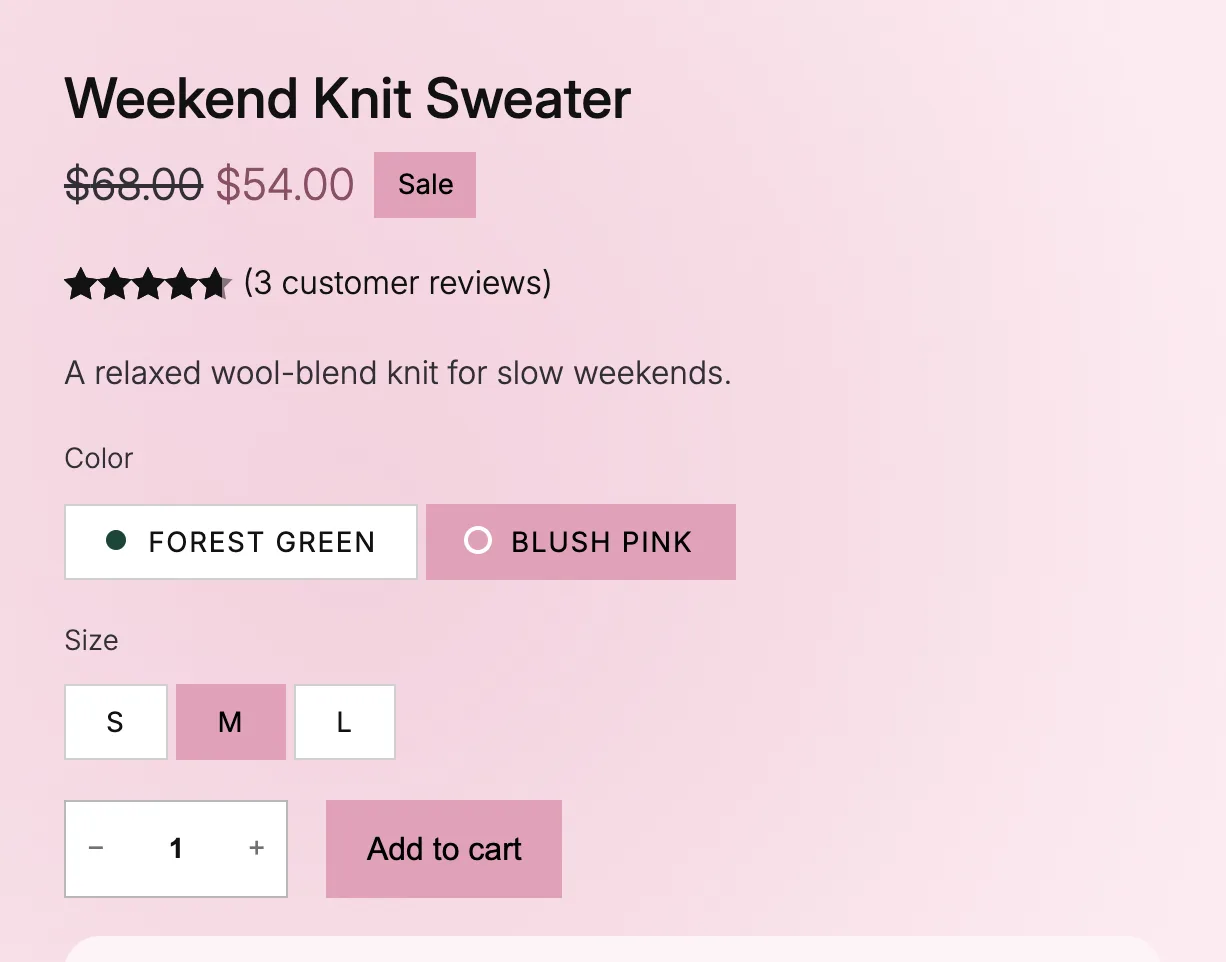
With Sale price on, $54.00 takes a deep pink.
Good to know
Before you turn it on
- Purplish keeps the hue and uses a deeper shade, so the price stays readable as text.
- Only the main product's price changes.
- On a classic theme, turn on Sale price under Parts that take the color in WooCommerce, Settings, Products, Purplish.