
Where to find it
Open Appearance, Editor, Templates, Single Product. Select the Add to Cart + Options block, then turn on Liquid glass button in the Purplish panel.

Liquid glass button sits under Glow ring on the button.
What it does
A switch, off by default.
| Choice | What it does |
|---|---|
| Off Default | Leaves the block as it is. |
| On | Gives the add to cart button a frosted fill with a highlight that follows the mouse. |
See it on a product
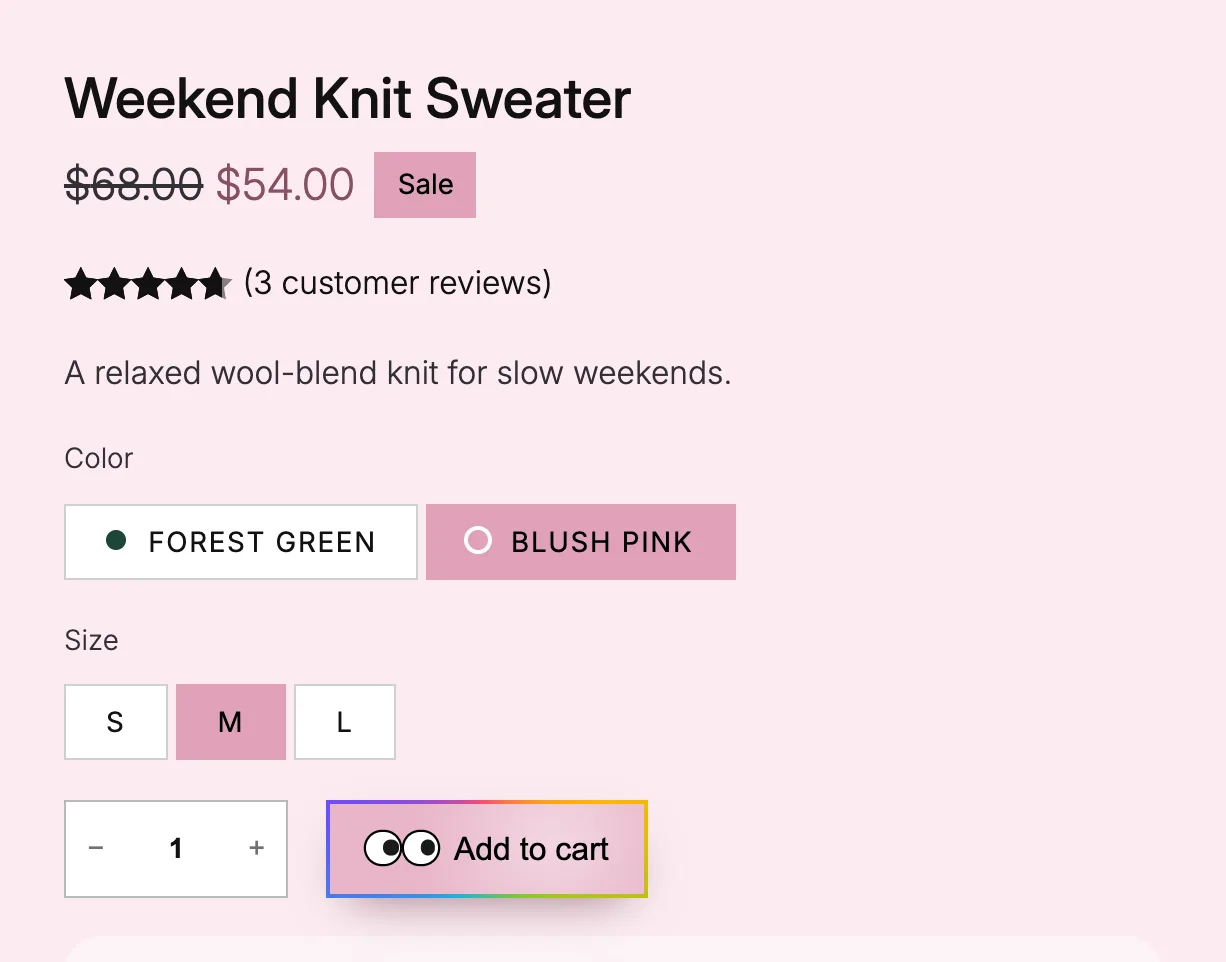
Liquid glass, spectrum ring and two googly eyes together, mouse on the button.
Good to know
Before you turn it on
- Visitors who ask their device for reduced motion see the plain button.
- It mixes with Spectrum ring on the button and Googly eyes on the button.
- For any other button, use Liquid glass on the Button block.