
Where to find it
Add a Changing Room block from the Purplish group of the block inserter, on any page, post or template. Select it, then turn the notice and Fly to cart on or off in the After adding panel of the block sidebar.
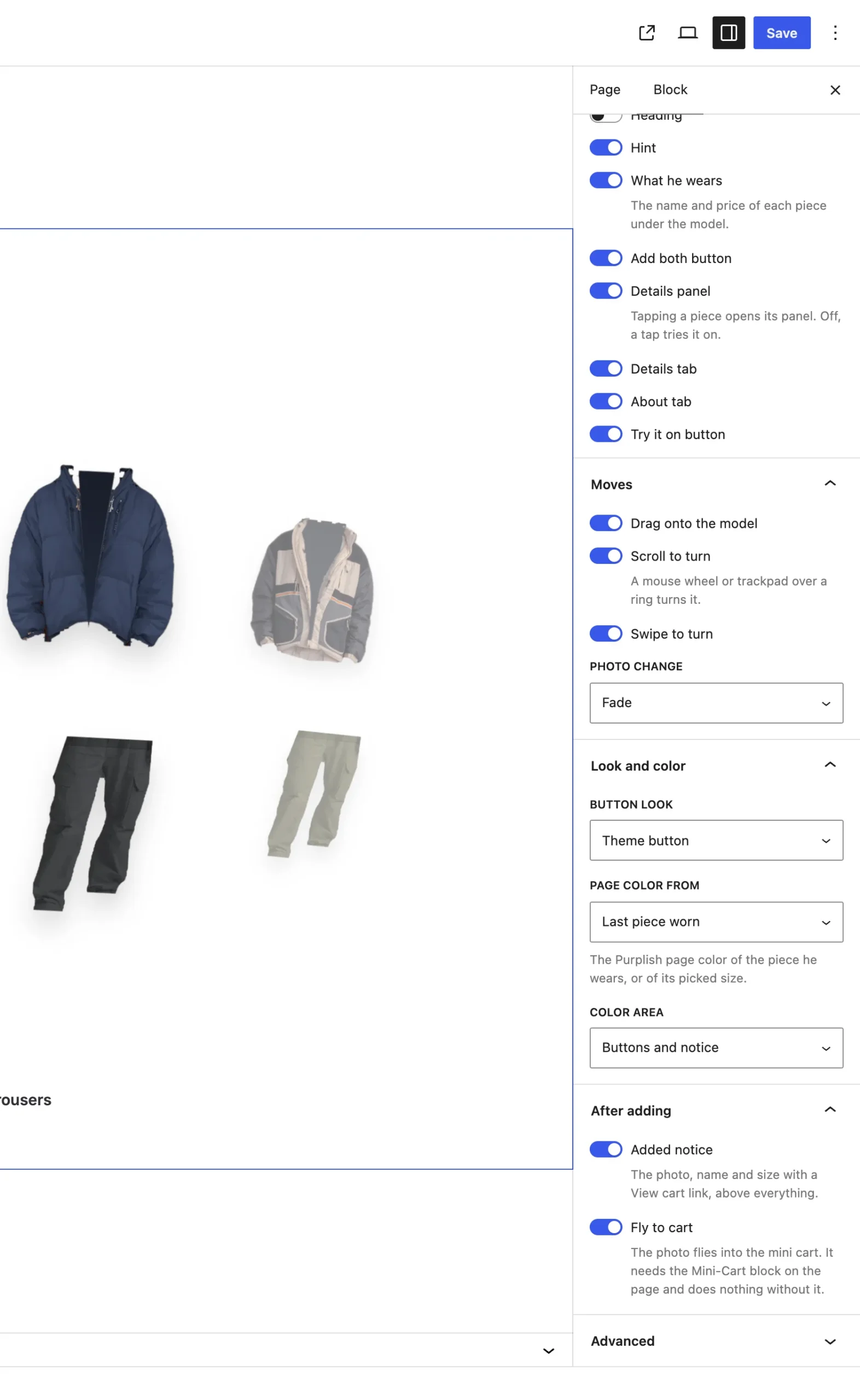
The After adding panel on the Changing Room block.
The settings
| Setting | What it does |
|---|---|
| Added notice | On by default. A notice with the photo, name and size and a View cart link shows over everything for a few seconds. |
| Fly to cart | On by default. The photo flies into the Mini-Cart. |
Good to know
- Fly to cart needs the Mini-Cart block on the page and does nothing without it.
- The notice stays while the mouse is over it or it has focus.
- The Mini-Cart count updates on its own after adding.
- Visitors who ask their device for reduced motion see no flight.