
Where to find it
Add a Changing Room block from the Purplish group of the block inserter, on any page, post or template. Select it, then name the rings in the Rings panel of the block sidebar.
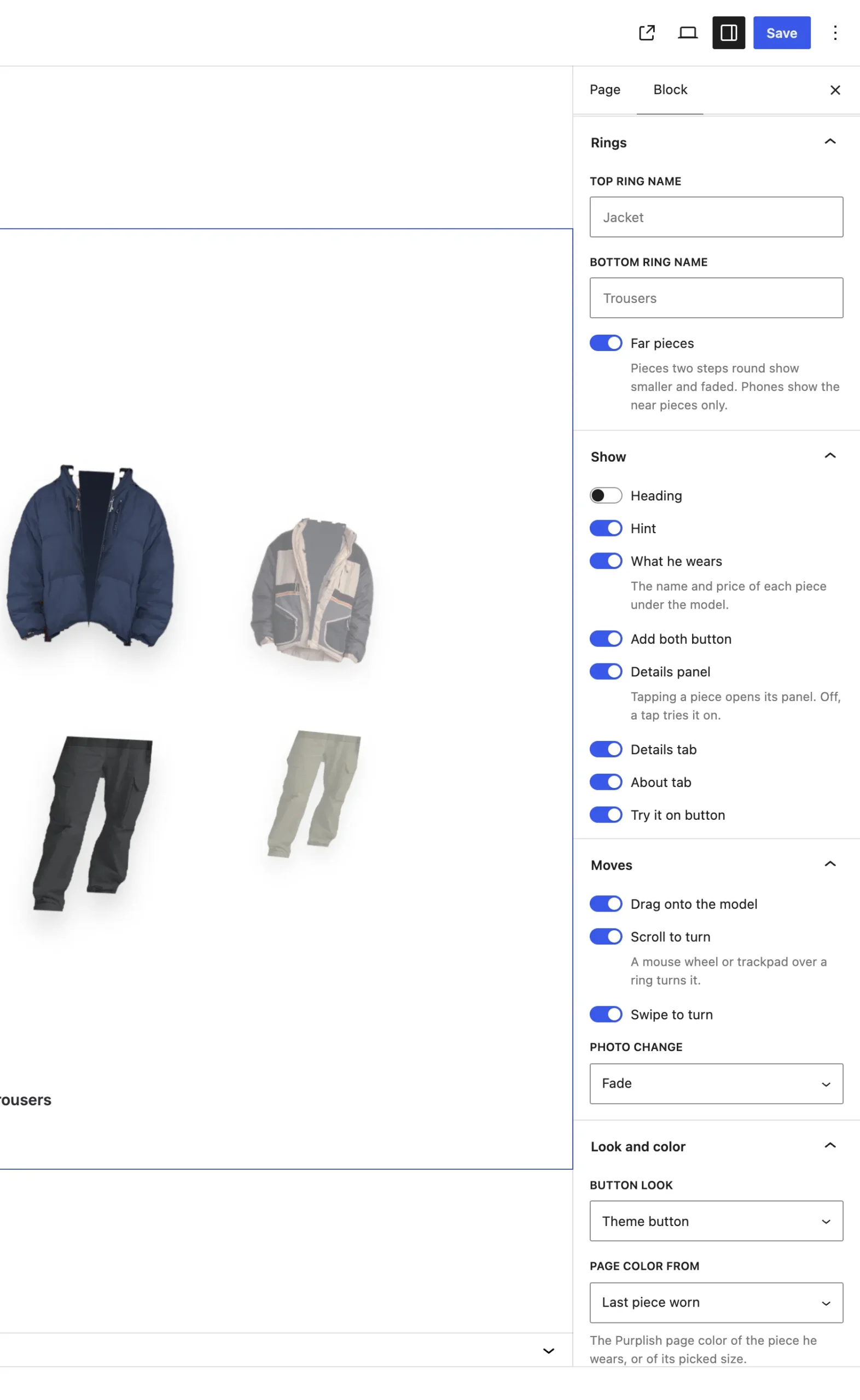
The Rings panel on the Changing Room block.
The settings
| Setting | What it does |
|---|---|
| Top ring name | The name of the top ring, shown in each piece's details panel. Empty, it reads Jacket. |
| Bottom ring name | The same for the bottom ring. Empty, it reads Trousers. |
| Far pieces | On by default. Pieces two steps round show smaller and faded. Off, only the near pieces show. |
Good to know
- Each Piece block picks its ring. See Product on the Piece block.
- A new Changing Room starts with three tops and three bottoms. Add more with Add top piece and Add bottom piece in the block toolbar.
- The piece the model wears is hidden from its ring.
- When the block is 700px wide or less, like on a phone, only the near pieces show.
- A ring skips a piece whose product isn't published, and a product that's already in it.