
Where to find it
Add a Changing Room block from the Purplish group of the block inserter, on any page, post or template. Select it, then turn parts on or off in the Show panel of the block sidebar.
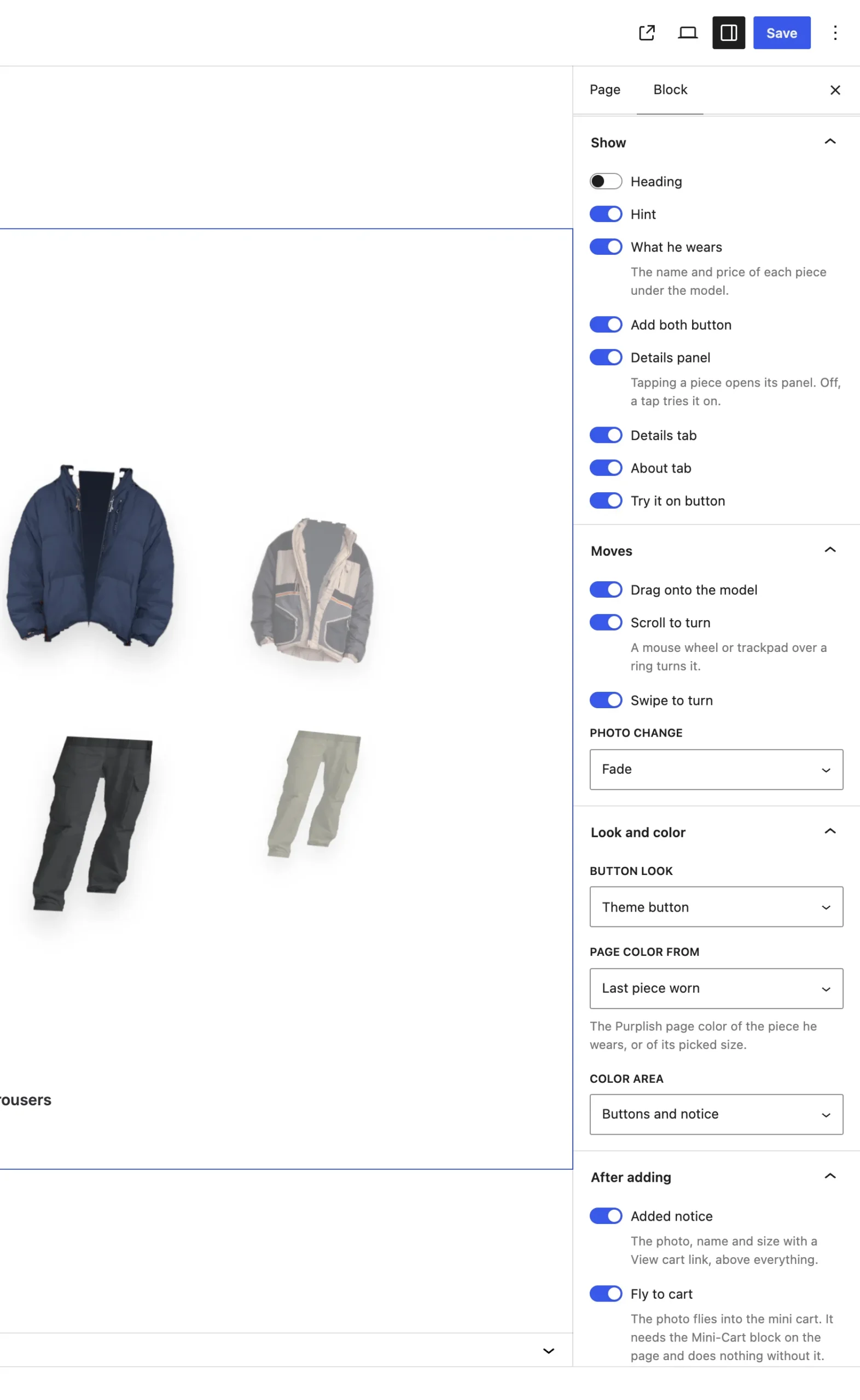
The Show panel. The last three switches show only with Details panel on.
The settings
| Setting | What it does |
|---|---|
| Heading | Off by default. On, a heading sits over the block. Heading text sets its words; empty, it reads Put a look together. |
| Hint | On by default. A short line that names the moves that are on, like Scroll a row, drag a piece onto the model or tap one for details. |
| What he wears | On by default. The name, price and color of each piece under the model. |
| Add both button | On by default. One button between the two names adds the top and the bottom to the cart, with their total price. |
| Details panel | On by default. Tapping a piece opens a panel with its photo, price, stock, sizes and Add to cart. Off, a tap tries it on. |
| Details tab | On by default, with Details panel on. Lists the product's attributes, like fabric or fit. |
| About tab | On by default, with Details panel on. The product description and a link to the product page. |
| Try it on button | On by default, with Details panel on. Puts the piece on the model from the panel. |
Good to know
- The tabs show only when both are on and the product has attributes to list.
- Sizes in the panel are the product's variations. Sold-out sizes show but can't be picked.
- Add both opens the panel on a piece that still needs a size, then adds both pieces at once.
- The total on Add both adds up the two products' prices. It doesn't change when a shopper picks a size.
- A piece that can't be added here, like a sold-out product, sends the shopper to its product page.